Choosing the right best AI reporting tools can save time, reduce manual work, and make data analysis easier. These tools help businesses create reports, track performance, identify trends, and make better decisions using AI-powered insights.
In this article, we explore the 15 best AI reporting tools in 2026, comparing their key features, AI capabilities, pricing, and limitations. You will also learn about free and paid options and how to choose the right tool based on your business needs, whether you are a freelancer, startup, marketing agency, or large organization.
What Are AI Reporting Tools?
best AI reporting tools are software platforms that use artificial intelligence to collect, analyze, and present business data in easy-to-understand reports. They help businesses automate reporting tasks, identify trends, track performance, and make better decisions.
These tools can create dashboards, generate data summaries, highlight important insights, and reduce manual work. Some also allow users to ask questions in simple language and get answers from their data.
Popular examples include Microsoft Power BI, Tableau, Whatagraph, and Zoho Analytics. They are useful for marketing teams, freelancers, startups, and businesses that want to save time and understand their data more easily.
Why Use AI Reporting Tools in 2026?
best AI reporting tools help businesses save time, reduce manual work, and make better decisions using data. In 2026, they are useful for teams that need faster reporting and accurate business insights.
Key Benefits:
- Save Time: Automatically create reports instead of preparing them manually.
- Better Insights: Identify trends, patterns, and performance changes in business data.
- Easy Data Analysis: Understand complex information through simple dashboards and summaries.
- Reduce Errors: Automate repetitive reporting tasks and reduce manual mistakes.
- Track Performance: Monitor sales, marketing campaigns, website traffic, and business results.
- Improve Decisions: Use data insights to make smarter business decisions.
Overall, best AI reporting tools make reporting faster and easier for freelancers, startups, marketing teams, and growing businesses.
AI Reporting Tools Comparison Table
| Tool | Best For | AI Capabilities | Pricing |
| Whatagraph | Marketing agencies | AI reporting assistance | Paid |
| AgencyAnalytics | SEO agencies | AI summaries and insights | Paid |
| Looker Studio | Beginners and marketers | Gemini-assisted analytics | Free |
| Tableau | Data analysts | AI insights and analytics | Paid |
| Microsoft Power BI | Businesses | Copilot and AI insights | Free & Paid |
| Domo | Large businesses | Domo.AI | Custom |
| Zoho Analytics | Small businesses | Zia AI assistant | Free & Paid |
| Sisense | Software companies | AI-assisted analytics | Custom |
| Qlik Sense | Data analysts | Insight Advisor | Paid |
| ThoughtSpot | Business teams | Spotter AI | Paid |
| Klipfolio | KPI tracking | AI-assisted insights | Paid |
| IBM Cognos Analytics | Enterprises | AI Assistant | Paid |
| SAP Analytics Cloud | Large organizations | Joule AI | Paid |
| Mode Analytics | Data teams | SQL-based analysis | Check availability |
| Metabase | Startups | AI-assisted queries | Free & Paid |
15 Best AI Reporting Tools in 2026: Detailed Reviews
1. Whatagraph
- Overview: Marketing reporting platform for collecting data and creating client reports.
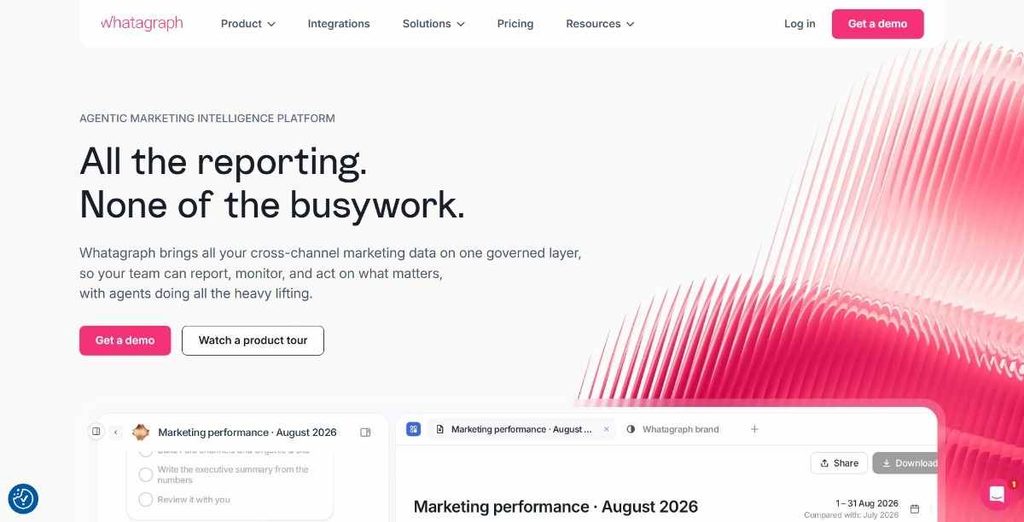
- Key AI Capabilities: AI-assisted report creation and data analysis.
- Key Features: Marketing dashboards, report templates and data integrations.
- Best For: Marketing agencies and marketing teams.
- Ease of Use: Easy-to-use interface with ready-made templates.
- Automation & Reporting: Automated reports and scheduled delivery.
- Pricing: Paid plans; custom pricing options available.
- Limitations: Can be expensive for small businesses.
2. AgencyAnalytics
- Overview: Helps agencies track SEO, PPC and social media performance.
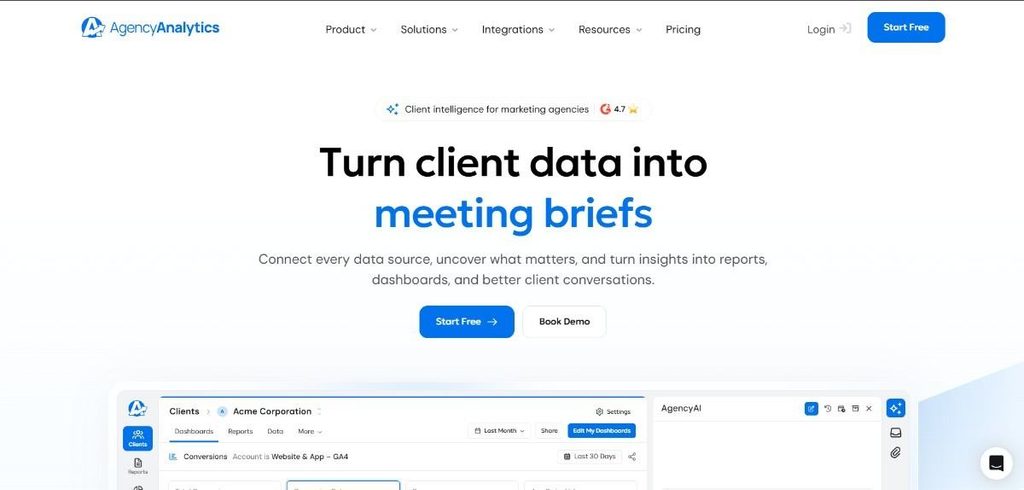
- Key AI Capabilities: AI summaries, data insights and anomaly detection.
- Key Features: SEO dashboards, client reports and white-label reporting.
- Best For: SEO agencies and freelancers.
- Ease of Use: Simple dashboard and reporting templates.
- Automation & Reporting: Scheduled client reports and automated updates.
- Pricing: Paid plans with a free trial.
- Limitations: Mainly focused on marketing analytics.
3. Looker Studio (Google Data Studio)
- Overview: Google’s platform for creating interactive reports and dashboards.
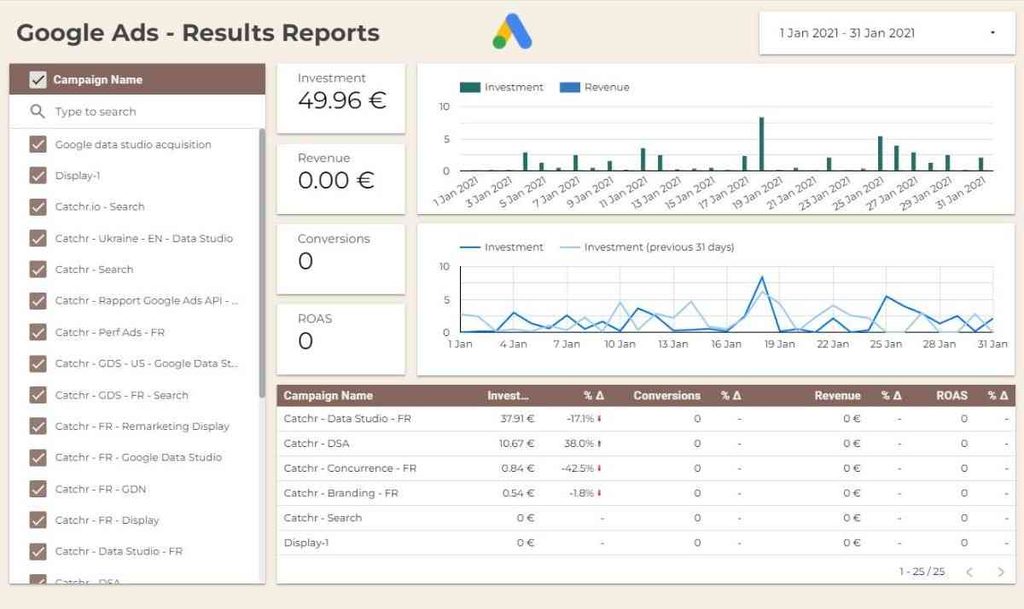
- Key AI Capabilities: Gemini-assisted analytics and conversational data exploration in supported configurations.
- Key Features: Custom dashboards, charts and Google integrations.
- Best For: Freelancers, marketers and small businesses.
- Ease of Use: Easy drag-and-drop report builder.
- Automation & Reporting: Report sharing and scheduled delivery.
- Pricing: Standard version is free.
- Limitations: Advanced reporting may require external connectors.
4. Tableau
- Overview: Business intelligence software for analyzing data and creating visual reports.
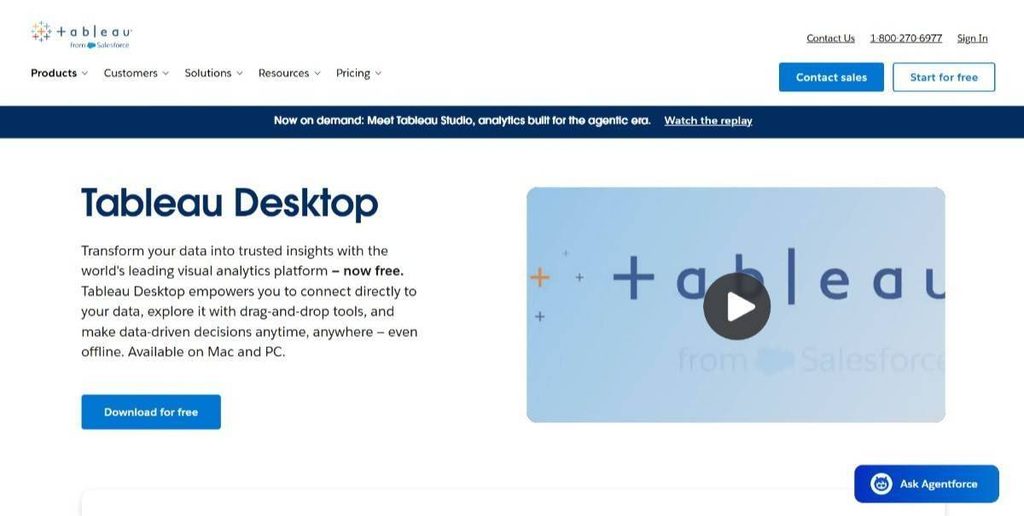
- Key AI Capabilities: Tableau Agent and AI-powered insights.
- Key Features: Interactive dashboards, charts and data visualization.
- Best For: Data analysts and large businesses.
- Ease of Use: Basic reporting is easy; advanced features require practice.
- Automation & Reporting: Scheduled reports, alerts and data refreshes.
- Pricing: Paid plans with different user options.
- Limitations: Can be expensive and requires training.
5. Microsoft Power BI
- Overview: Microsoft’s business intelligence tool for analyzing data and building reports.
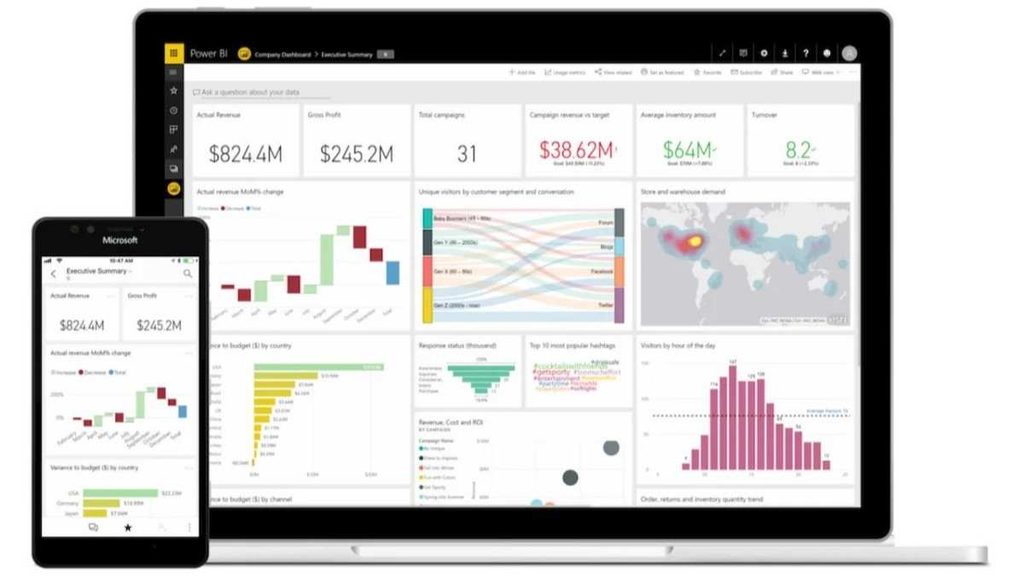
- Key AI Capabilities: Copilot, AI summaries and natural-language queries.
- Key Features: Interactive dashboards, data modeling and Excel integration.
- Best For: Businesses, finance teams and analysts.
- Ease of Use: Easy for basic reports; advanced features need technical skills.
- Automation & Reporting: Scheduled refreshes, alerts and report sharing.
- Pricing: Free and paid plans available.
- Limitations: Some AI features require additional licensing.
6. Domo
- Overview: Cloud-based platform that combines business data into one dashboard.
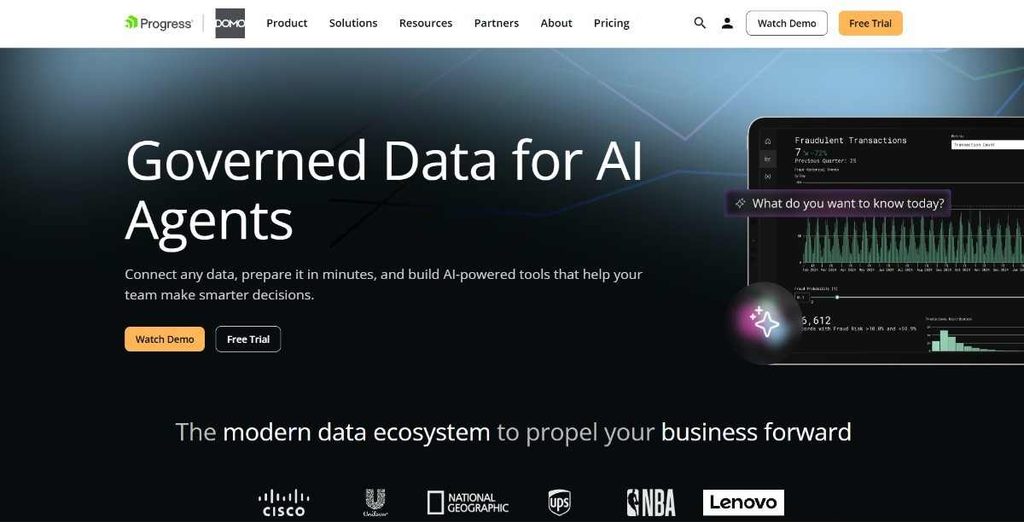
- Key AI Capabilities: Domo.AI supports data analysis and AI-powered insights.
- Key Features: Data integration, dashboards and visualization.
- Best For: Medium-sized businesses and enterprises.
- Ease of Use: Visual interface with some technical setup.
- Automation & Reporting: Automated updates, alerts and reports.
- Pricing: Custom pricing.
- Limitations: May be expensive for small businesses.
7. Zoho Analytics
- Overview: Reporting platform for analyzing business data and creating dashboards.
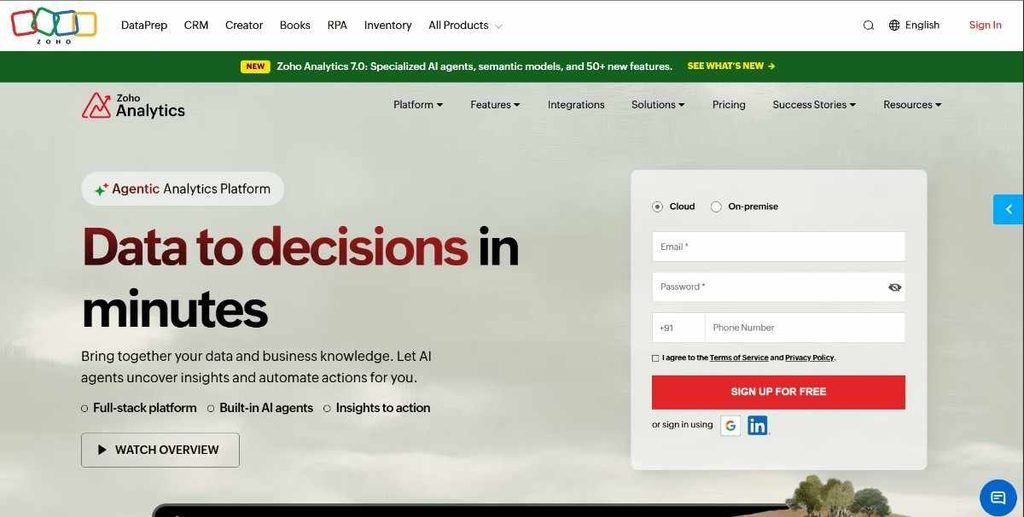
- Key AI Capabilities: Zia AI assistant, natural-language queries and automated insights.
- Key Features: Data visualization, custom reports and dashboards.
- Best For: Startups and small businesses.
- Ease of Use: Beginner-friendly drag-and-drop interface.
- Automation & Reporting: Scheduled reports and automated data updates.
- Pricing: Free and paid plans available.
- Limitations: Advanced features may require paid plans.
8. Sisense
- Overview: Analytics platform for analyzing data and adding reports to applications.
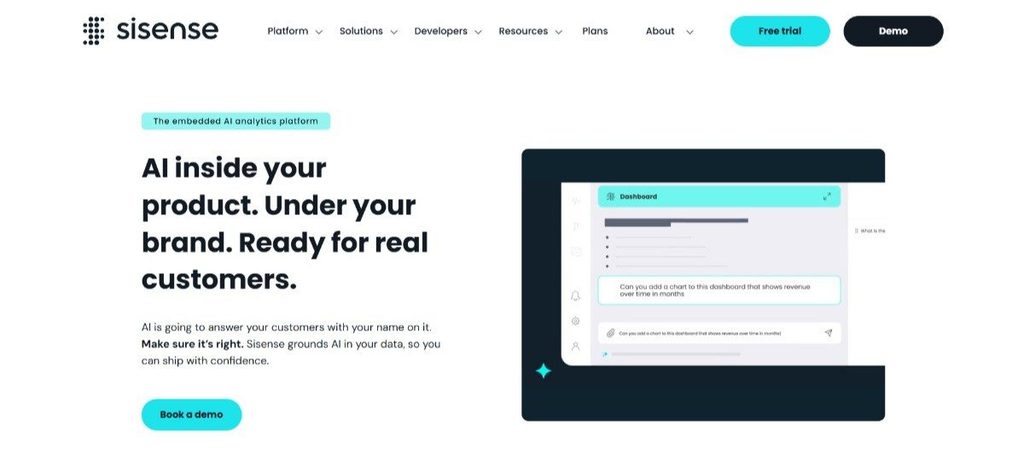
- Key AI Capabilities: AI-assisted analytics and data exploration.
- Key Features: Embedded analytics, dashboards and custom reports.
- Best For: Software companies and enterprises.
- Ease of Use: Basic dashboards are simple; advanced setup requires technical skills.
- Automation & Reporting: Automated data updates and reporting workflows.
- Pricing: Custom pricing.
- Limitations: Implementation can be complex.
9. Qlik Sense
- Overview: Business intelligence platform for exploring data and finding useful insights.
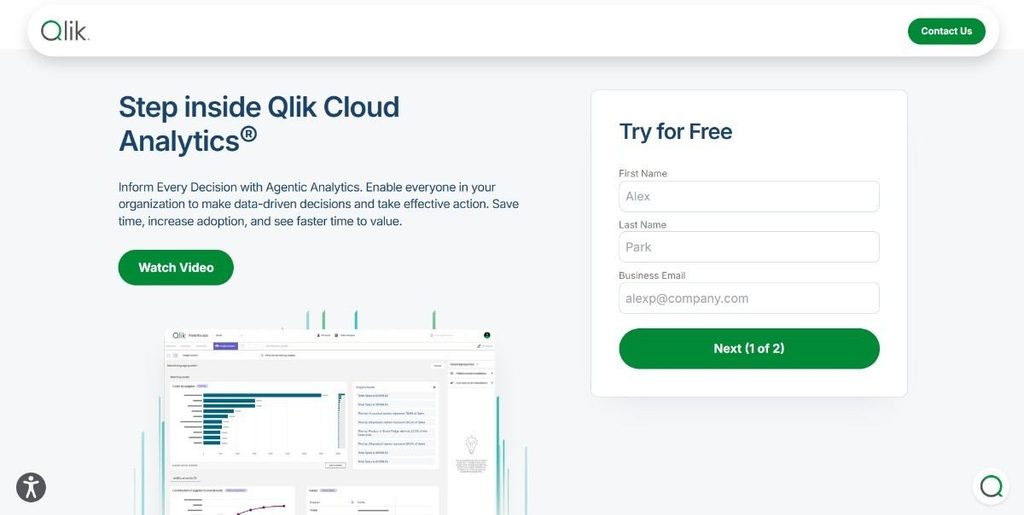
- Key AI Capabilities: Insight Advisor and AI-assisted data exploration.
- Key Features: Interactive dashboards, data discovery and visualization.
- Best For: Data analysts and large businesses.
- Ease of Use: Basic reports are easy; advanced data modeling requires practice.
- Automation & Reporting: Scheduled reports, alerts and data refreshes.
- Pricing: Paid subscription plans.
- Limitations: Can be challenging for beginners.
10. ThoughtSpot
- Overview: AI-powered analytics platform for searching and exploring business data.
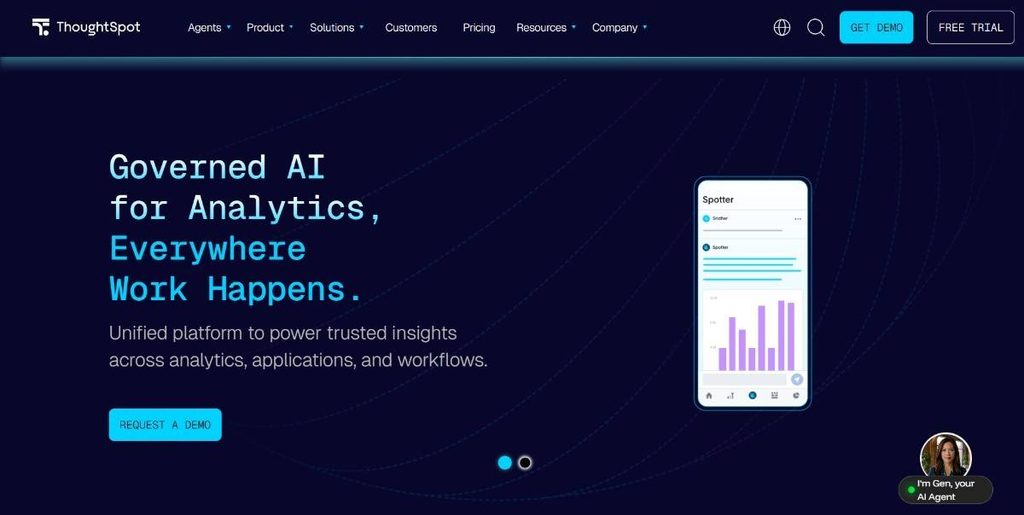
- Key AI Capabilities: Spotter AI and natural-language data queries.
- Key Features: Search-based analytics, dashboards and data exploration.
- Best For: Business analysts and data teams.
- Ease of Use: Simple natural-language search.
- Automation & Reporting: KPI monitoring, alerts and automated analysis.
- Pricing: Paid and usage-based options.
- Limitations: Requires properly prepared data.
11. Klipfolio
- Overview: Dashboard platform for tracking business performance and KPIs.
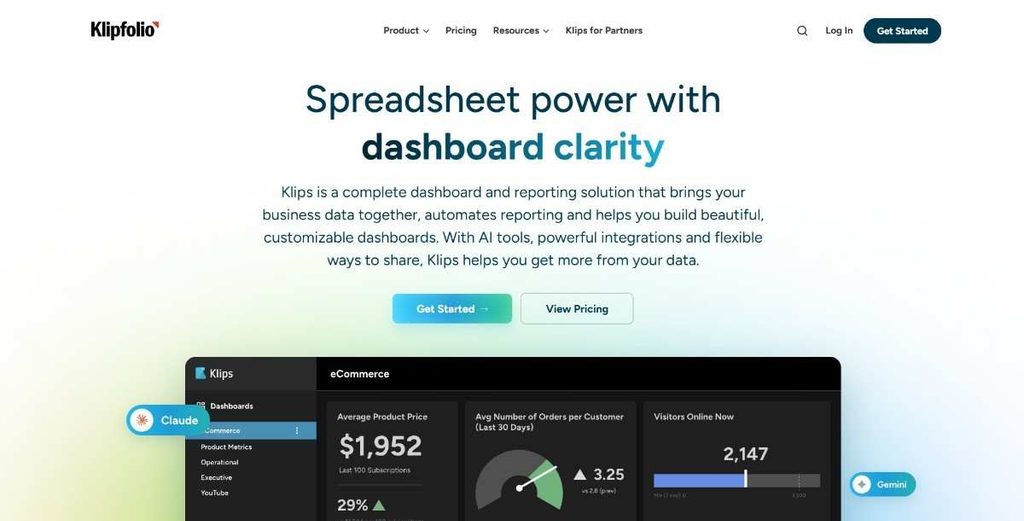
- Key AI Capabilities: AI assistance for dashboard questions and visualizations.
- Key Features: KPI dashboards, data integrations and charts.
- Best For: Small businesses and marketing teams.
- Ease of Use: Simple dashboard builder.
- Automation & Reporting: Automated data refreshes and scheduled reports.
- Pricing: Paid plans available.
- Limitations: Advanced customization may require technical knowledge.
12. IBM Cognos Analytics
- Overview: Enterprise reporting platform for analyzing business data.
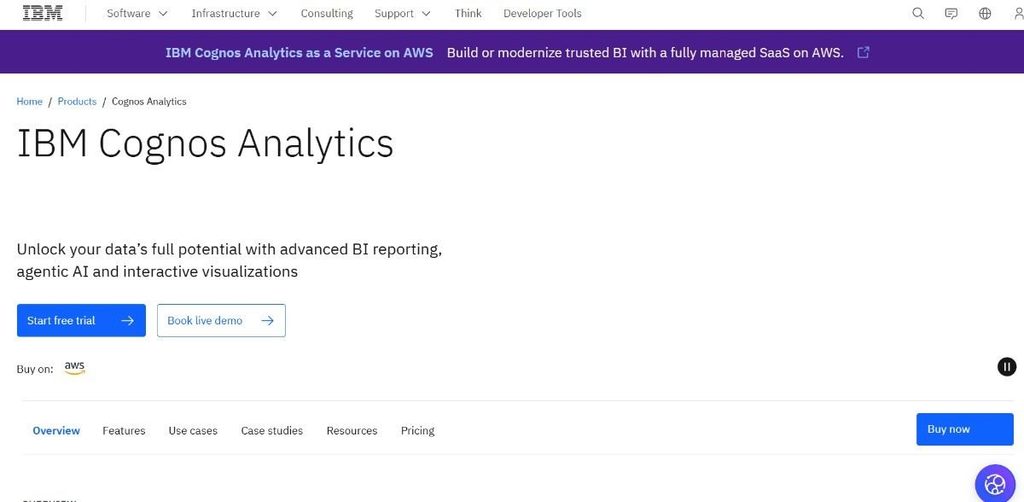
- Key AI Capabilities: AI Assistant, natural-language queries and automated insights.
- Key Features: Business reports, dashboards and data visualization.
- Best For: Large organizations and finance teams.
- Ease of Use: Advanced features require training.
- Automation & Reporting: Scheduled reports and automatic distribution.
- Pricing: Paid subscription plans.
- Limitations: Can be complex for beginners.
13. SAP Analytics Cloud
- Overview: Business intelligence and planning platform for analyzing company data.
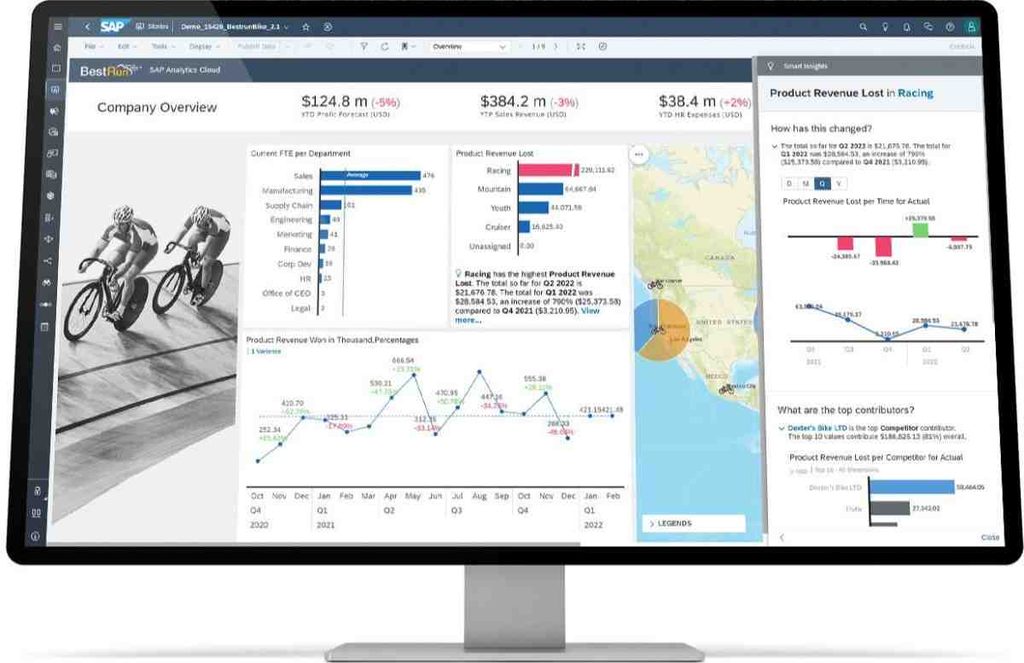
- Key AI Capabilities: SAP Joule, predictive analytics and AI assistance.
- Key Features: Financial planning, dashboards and data analysis.
- Best For: Enterprises and finance departments.
- Ease of Use: Requires some SAP knowledge.
- Automation & Reporting: Automated reports and planning workflows.
- Pricing: Custom subscription pricing.
- Limitations: May be expensive for smaller businesses.
14. Mode Analytics
- Overview: Data analytics platform combining SQL, Python and visual reporting.
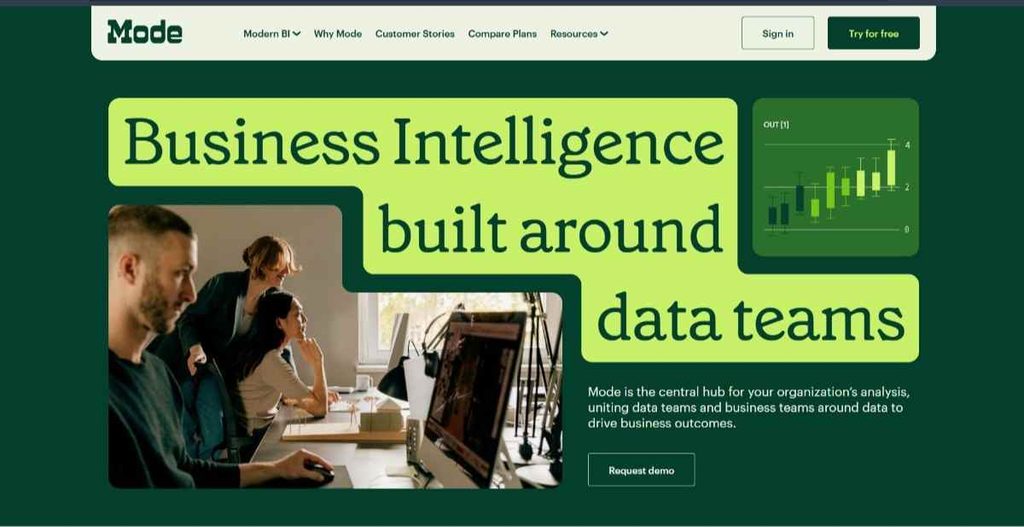
- Key AI Capabilities: Its core strength is SQL-based analysis; AI assistance depends on connected tools.
- Key Features: SQL editor, charts and collaborative reports.
- Best For: Data analysts and technical teams.
- Ease of Use: Best suited to users with SQL knowledge.
- Automation & Reporting: Reusable reports and scheduled reporting.
- Pricing: Check current commercial availability and pricing.
- Limitations: Less suitable for beginners seeking ready-made AI reports.
15. Metabase
- Overview: Business intelligence platform for creating reports and exploring database information.
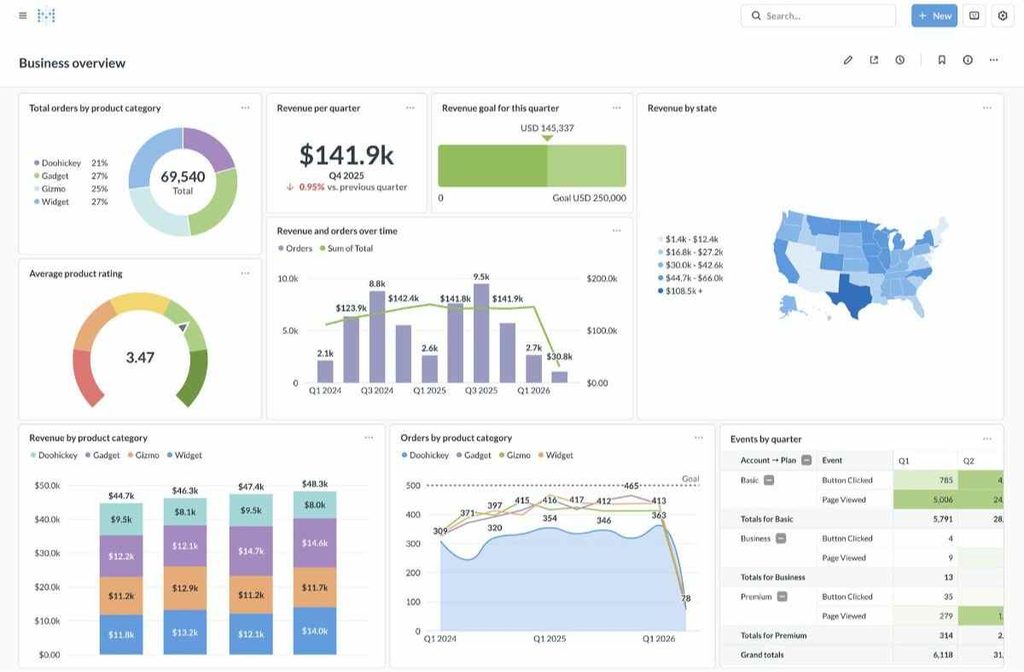
- Key AI Capabilities: Metabot supports AI-assisted questions and SQL generation in supported configurations.
- Key Features: Interactive dashboards, database connections and visual reports.
- Best For: Startups, developers and small businesses.
- Ease of Use: Simple interface with a visual query builder.
- Automation & Reporting: Scheduled reports and dashboard subscriptions.
- Pricing: Free open-source version and paid plans.
- Limitations: Advanced features and AI capabilities may require paid plans.
Free vs. Paid AI Reporting Tools
Free best AI reporting tools are suitable for freelancers, beginners, and small businesses with basic reporting needs. They usually offer essential dashboards, data visualization, and limited AI features.
Paid AI reporting tools provide more advanced features, such as AI-powered insights, automated reporting, multiple data integrations, and custom dashboards.
| Free AI Reporting Tools | Paid AI Reporting Tools |
| Basic reporting features | Advanced reporting features |
| Limited AI capabilities | More AI-powered insights |
| Basic dashboards | Custom dashboards |
| Limited integrations | More integrations |
| Suitable for beginners | Suitable for growing businesses |
| Limited support | Priority support on selected plans |
Which Should You Choose?
- Choose Free Tools: If you need basic reports, simple dashboards, and have a limited budget.
- Choose Paid Tools: If you need advanced analytics, automated reports, multiple integrations, and business insights.
Overall, free tools are a good starting point, while paid tools are better for businesses that need more advanced reporting and analytics capabilities.
How to Use AI Reporting Tools
Using best AI reporting tools is simple. Follow these steps to create reports and understand your business data more easily.
- Connect Data Sources: Connect platforms like Google Analytics, Excel, CRM systems, or other business tools.
- Choose a Report Template: Select a ready-made template or create a custom dashboard.
- Select Key Metrics: Choose the data you want to track, such as sales, website traffic, leads, or campaign performance.
- Analyze Data with AI: Use AI features to identify trends, summarize results, and find useful insights.
- Generate Reports: Create reports with charts, graphs, and easy-to-understand summaries.
- Share and Automate Reports: Share reports with your team or schedule automatic delivery.
Following these steps can help you save time, simplify reporting, and make better business decisions using data.
Key Features to Look for in AI Reporting Software
Before choosing an best AI reporting tools, look for features that make data analysis, report creation, and business monitoring easier.
- AI-Powered Insights: Helps identify trends, patterns, and important information from business data.
- Automated Reporting: Creates and delivers reports automatically, saving time and effort.
- Custom Dashboards: Allows users to create dashboards based on their business needs.
- Data Integration: Connects with platforms like Google Analytics, Excel, CRM systems, and marketing tools.
- Data Visualization: Presents information through charts, graphs, and tables.
- Natural Language Queries: Lets users ask questions about their data using simple language.
- Real-Time Data Updates: Helps users monitor business performance with updated information.
- Data Security: Protects business information through access controls and security features.
Choosing software with these features can help businesses simplify reporting, understand performance, and make better data-driven decisions.
AI Reporting Tools for Different Business Needs
Different businesses need different best AI reporting tools. Here are some recommended options based on business requirements:
- Small Businesses: Zoho Analytics, Looker Studio
- Marketing Agencies: Whatagraph, AgencyAnalytics
- Freelancers: Looker Studio, Power BI
- Startups: Metabase, Zoho Analytics
- Large Enterprises: Tableau, Domo, SAP Analytics Cloud
- Data Analysts: Power BI, Qlik Sense, ThoughtSpot
- Software Companies: Sisense, Metabase
- Finance Teams: IBM Cognos Analytics, Power BI
Choose a tool based on your business needs, budget, and reporting requirements.
How to Choose the Best AI Reporting Tool?
Choosing the right best AI reporting tools depends on your business needs, budget, and reporting requirements. Consider these factors before selecting a platform:
- Understand Your Needs: Decide whether you need marketing reports, sales analytics, or business dashboards.
- Check AI Features: Look for AI insights, automated summaries, and natural-language queries.
- Compare Pricing: Choose a tool that fits your budget and offers the features you need.
- Ease of Use: Select software with a simple interface and easy report creation.
- Check Integrations: Make sure it connects with your existing tools and data sources.
- Automation Options: Look for scheduled reports, automatic updates, and alerts.
- Security: Check data protection, user permissions, and privacy features.
Choose a tool that saves time, simplifies reporting, and supports your business goals.
Final Thoughts
best AI reporting tools help businesses save time, automate reports, analyze data, and make better decisions. Tools like Whatagraph, Microsoft Power BI, Tableau, Zoho Analytics, and Looker Studio offer different features for different business needs.
Before choosing a tool, compare its AI capabilities, pricing, ease of use, integrations, and automation features. Whether you are a freelancer, startup, marketing agency, or large business, choose a tool that fits your budget and reporting requirements. The right AI reporting tool can make your work easier and help you get more value from your business data.
Frequently Asked Questions (FAQs)
1. What are the best AI reporting tools in 2026?
Some of the best AI reporting tools in 2026 include Whatagraph, AgencyAnalytics, Tableau, Microsoft Power BI, Zoho Analytics, Domo, and ThoughtSpot. The right choice depends on your business needs and budget.
2. Which AI reporting tool is best for small businesses?
Zoho Analytics, Looker Studio, and Metabase are useful options for small businesses. They offer reporting and dashboard features for tracking business performance.
3. Are there any free AI reporting tools?
Yes. Looker Studio and Metabase offer free options, while Power BI and Zoho Analytics also provide free options with certain limitations.
4. How do AI reporting tools work?
AI reporting tools collect data from different sources, analyze information, identify trends, and present results through dashboards, charts, and automated reports.
5. Can AI reporting tools create reports automatically?
Yes. Many AI reporting tools can automate report creation, update dashboards, and schedule report delivery, reducing manual work.
6. What features should I look for in AI reporting software?
Look for AI-powered insights, automated reporting, custom dashboards, data integration, natural-language queries, data visualization, and security features.
7. Are AI reporting tools suitable for beginners?
Yes. Tools like Looker Studio, Zoho Analytics, and Metabase offer user-friendly interfaces that help beginners create reports and understand business data.
8. What is the difference between free and paid AI reporting tools?
Free tools usually offer basic reporting and limited features, while paid tools provide more advanced analytics, automation, integrations, and customization options.
9. Can AI reporting tools connect with Google Analytics and Excel?
Yes. Many reporting platforms support connections with Google Analytics, Excel, databases, CRM systems, and other business applications. Available integrations vary by tool.
10. How do I choose the right AI reporting tool for my business?
Consider your business needs, budget, AI features, ease of use, integrations, automation options, and data security before selecting a reporting tool.