Introduction
Choosing the right email marketing software can help businesses connect with customers, send marketing campaigns, and grow their audience. But with so many tools available, finding the right one can be difficult.
In this guide, we compare the Top 20 Email Marketing Software in 2026, including Brevo, MailerLite, Mailchimp, ActiveCampaign, and more. Explore their key features, pricing, free plans, ease of use, and best use cases. We also cover their benefits and explain how to choose the right tool for your business, whether you are a beginner, freelancer, startup, or growing company.
What Is Email Marketing Software?
Email Marketing Software is a digital tool that helps businesses create, send, and manage emails to customers and subscribers. It makes it easy to send newsletters, promotional offers, product updates, and automated emails.
These tools also help businesses manage contact lists, track email performance, and build better customer relationships.
Key Benefits:
- Email Campaigns: Create and send marketing emails easily.
- Automation: Send automatic emails to subscribers.
- Contact Management: Organize and manage email lists.
- Personalization: Send targeted emails to specific audiences.
- Performance Tracking: Track email opens, clicks, and engagement.
Popular tools include Brevo, Mailchimp, MailerLite, and HubSpot. They help freelancers, startups, and businesses save time and improve their email marketing results.
Benefits of Using Email Marketing Software
Email Marketing Software helps businesses connect with customers, promote products, and grow their audience. It saves time and makes email campaigns easier to manage.
Key Benefits:
- Saves Time: Automates emails and reduces manual work.
- Cost-Effective Marketing: Reaches many customers at a lower cost.
- Better Customer Engagement: Keeps customers updated with regular emails.
- Targeted Campaigns: Sends relevant emails to specific audiences.
- Easy Automation: Automatically sends welcome emails, reminders, and follow-ups.
- Tracks Performance: Measures email opens, clicks, and conversions.
- Builds Customer Relationships: Helps businesses stay connected with subscribers.
Overall: Email marketing software makes marketing easier, saves time, and helps businesses reach the right audience.
Email Marketing Software Comparison (2026)
| Software | Free Plan | Best For |
| Brevo | Yes | Small Businesses |
| MailerLite | Yes | Beginners |
| Mailchimp | Yes (Limited) | Email Campaigns |
| ActiveCampaign | No (Trial) | Advanced Automation |
| Omnisend | Yes | eCommerce |
| GetResponse | Yes | All-in-One Marketing |
| Klaviyo | Yes (Limited) | Online Stores |
| Constant Contact | Trial | Nonprofits |
| AWeber | Yes | Bloggers |
| Moosend | Trial | Startups |
| Kit | Yes | Content Creators |
| Sender | Yes | Budget-Friendly Marketing |
| Mailjet | Yes | Transactional Emails |
| EmailOctopus | Yes | Newsletters |
| beehiiv | Yes | Newsletter Publishing |
| Campaign Monitor | Trial | Email Design |
| Drip | Trial | eCommerce Automation |
| HubSpot | Yes | CRM Marketing |
| Benchmark Email | Yes | Small Businesses |
| Campaigner | Trial | Advanced Campaigns |
Top 20 Email Marketing Software Explained in Detail (2026)
1. Brevo
- Overview: Brevo is an email marketing platform for sending campaigns and managing customer communication.
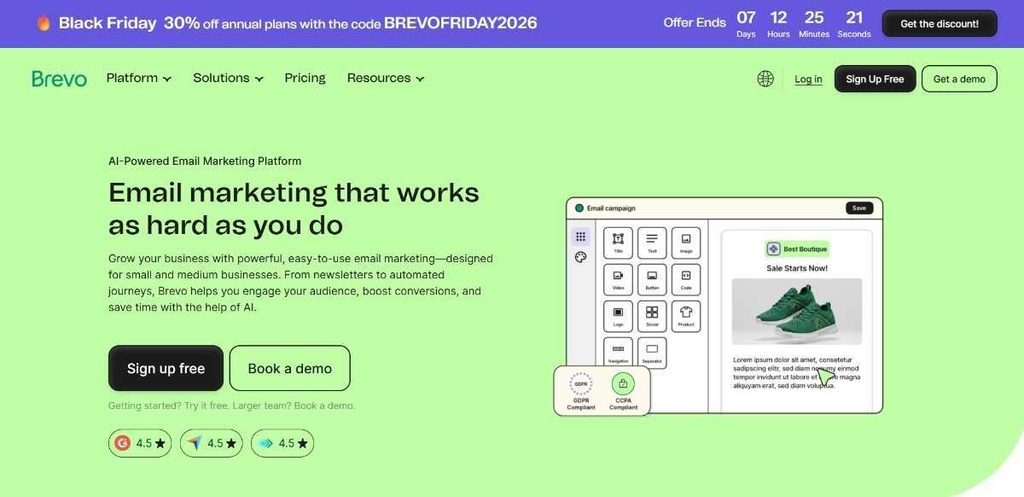
- Key Features: Email campaigns, automation, SMS marketing and contact management.
- Ease of Use: Simple dashboard with easy campaign creation.
- Pricing: Free plan available with paid options.
- Best For: Small businesses and startups.
2. MailerLite
- Overview: MailerLite helps businesses create and send professional email campaigns.
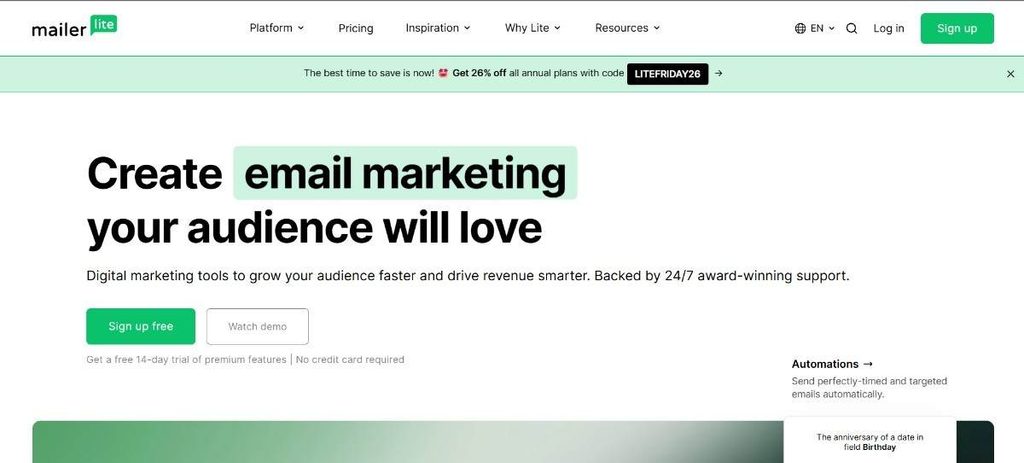
- Key Features: Email automation, landing pages, signup forms and templates.
- Ease of Use: Beginner-friendly with a simple drag-and-drop editor.
- Pricing: Free plan and paid plans available.
- Best For: Bloggers, freelancers and small businesses.
3. Mailchimp
- Overview: Mailchimp is a popular platform for email marketing and audience management.
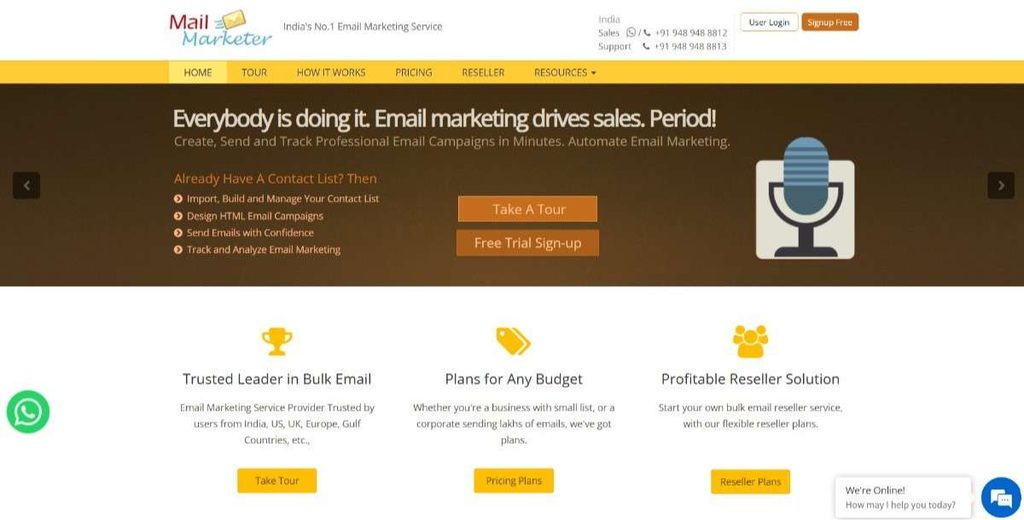
- Key Features: Email templates, automation, audience segmentation and campaign reports.
- Ease of Use: Easy to use, with many marketing features.
- Pricing: Free access with limited features and paid plans.
- Best For: Small businesses and growing brands.
4. ActiveCampaign
- Overview: ActiveCampaign combines email marketing with customer relationship management (CRM).
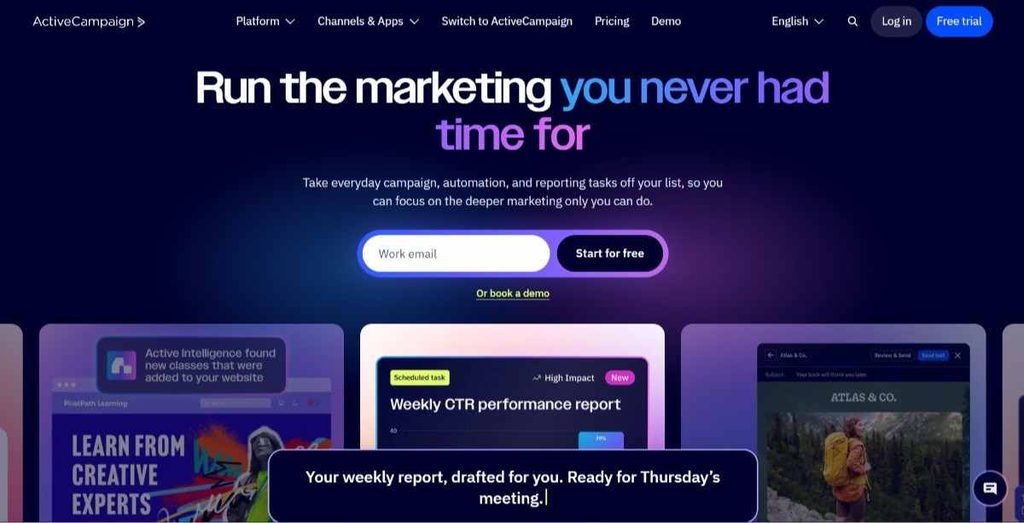
- Key Features: Advanced automation, email campaigns, CRM and customer segmentation.
- Ease of Use: Offers powerful tools but takes time to learn.
- Pricing: Paid plans available.
- Best For: Businesses that need advanced automation.
5. Omnisend
- Overview: Omnisend is an email and SMS marketing platform designed mainly for eCommerce businesses.
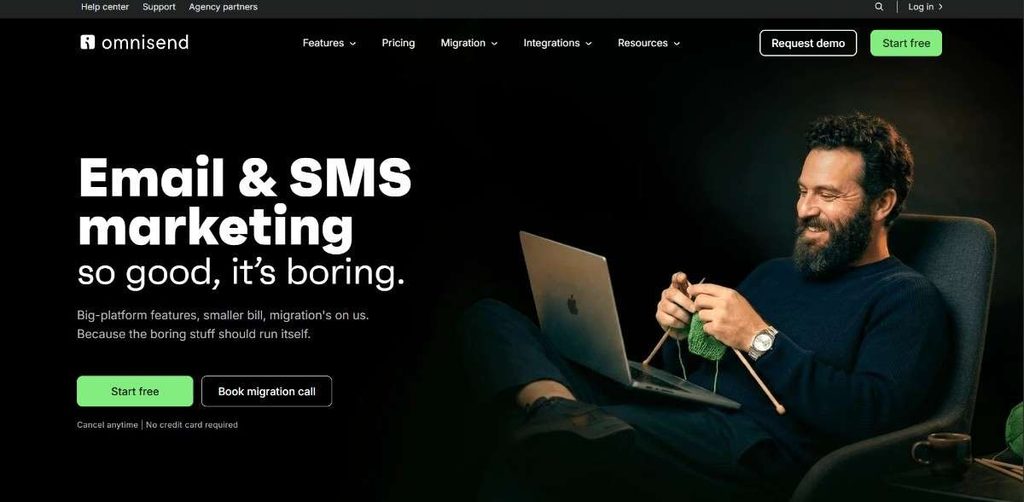
- Key Features: Email automation, SMS campaigns, product recommendations and customer segmentation.
- Ease of Use: Easy to create automated marketing campaigns.
- Pricing: Free plan and paid options.
- Best For: Online stores and eCommerce brands.
6. GetResponse
- Overview: GetResponse is an all-in-one marketing platform for email campaigns and lead generation.
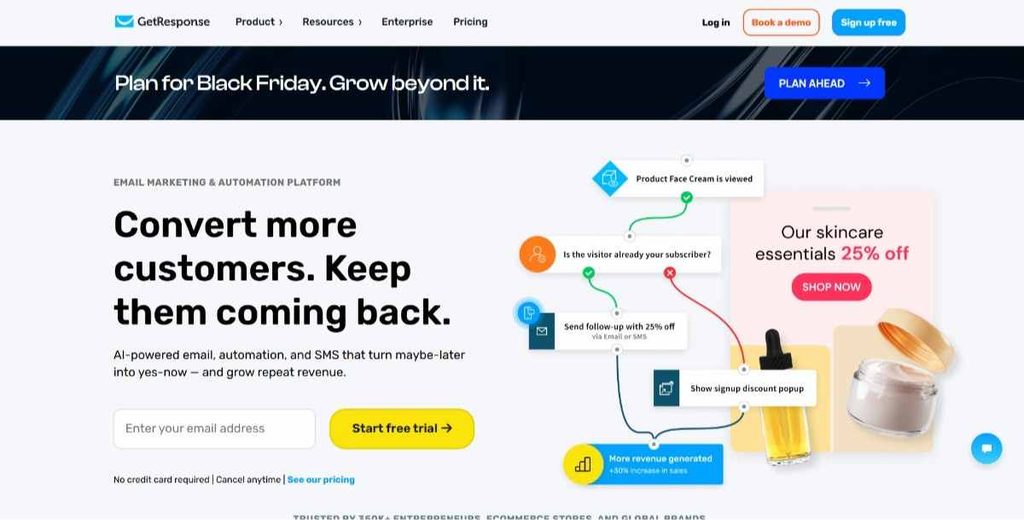
- Key Features: Email automation, landing pages, webinars and autoresponders.
- Ease of Use: Beginner-friendly with ready-made templates.
- Pricing: Free plan with paid upgrades.
- Best For: Businesses, marketers and online creators.
7. Klaviyo
- Overview: Klaviyo helps online stores send personalized email and SMS campaigns.
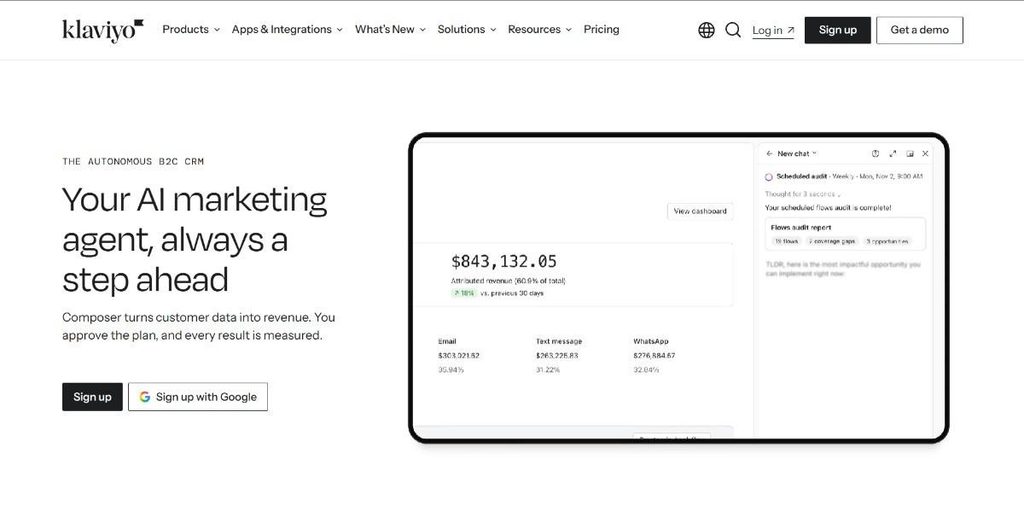
- Key Features: Customer data, automation, segmentation and sales tracking.
- Ease of Use: Easy to manage once set up, but advanced features need learning.
- Pricing: Free plan and paid plans based on usage.
- Best For: eCommerce businesses and online retailers.
8. Constant Contact
- Overview: Constant Contact helps businesses create email campaigns and manage contacts.
- Key Features: Email templates, event marketing, automation and reporting.
- Ease of Use: Simple interface suitable for beginners.
- Pricing: Paid plans with trial availability depending on location.
- Best For: Small businesses and nonprofit organizations.
9. AWeber
- Overview: AWeber is an email marketing tool for building subscriber lists and sending newsletters.
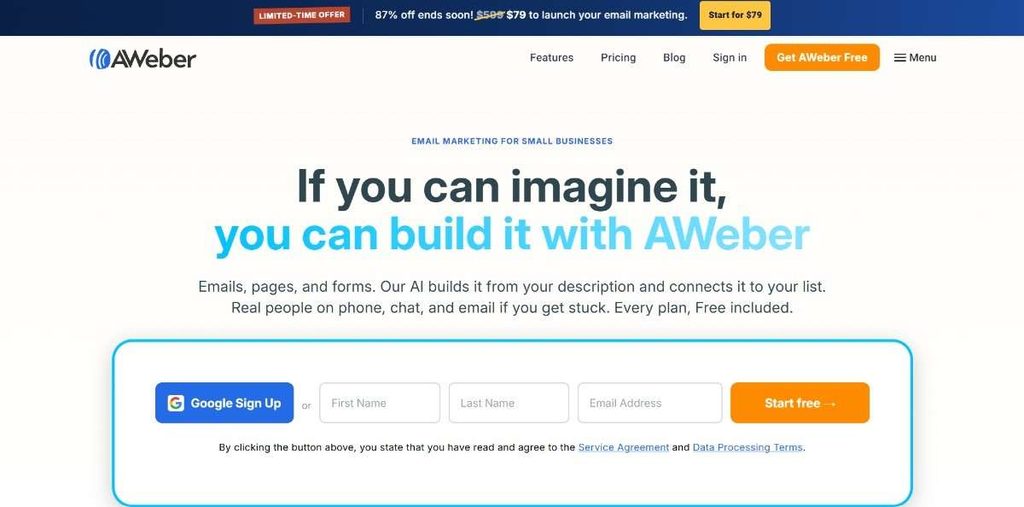
- Key Features: Email automation, landing pages, signup forms and templates.
- Ease of Use: Easy to use for beginners.
- Pricing: Free plan and paid plans available.
- Best For: Bloggers, freelancers and small businesses.
10. Moosend
- Overview: Moosend is an email marketing platform that helps businesses automate campaigns.
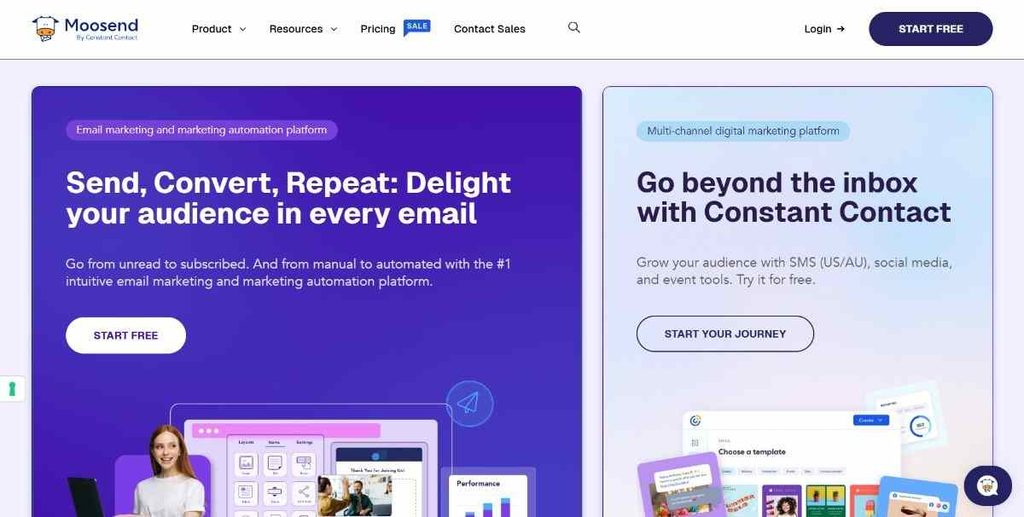
- Key Features: Email automation, audience segmentation, landing pages and analytics.
- Ease of Use: Simple campaign builder with automation tools.
- Pricing: Paid plans and trial options.
- Best For: Startups and small businesses.
11. Kit (Formerly ConvertKit)
- Overview: Kit is an email marketing platform designed for creators and online businesses.
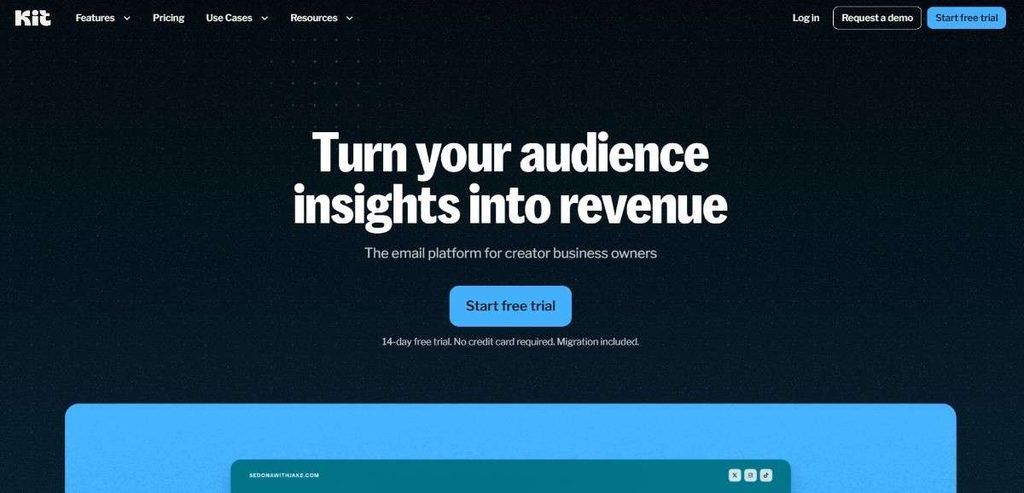
- Key Features: Email newsletters, automation, landing pages and subscriber management.
- Ease of Use: Simple tools for managing an audience.
- Pricing: Free Newsletter plan and paid plans.
- Best For: Bloggers, YouTubers and content creators.
12. Sender
- Overview: Sender helps businesses send email and SMS marketing campaigns.
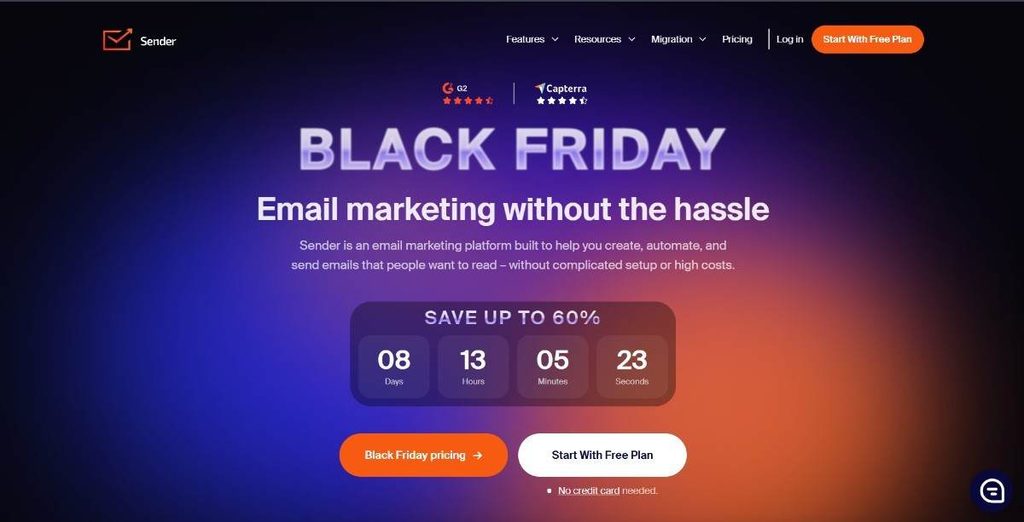
- Key Features: Email automation, newsletters, templates and signup forms.
- Ease of Use: Beginner-friendly with a drag-and-drop editor.
- Pricing: Free plan and paid options.
- Best For: Startups and small businesses with limited budgets.
13. Mailjet
- Overview: Mailjet is an email marketing platform for creating and sending marketing and transactional emails.
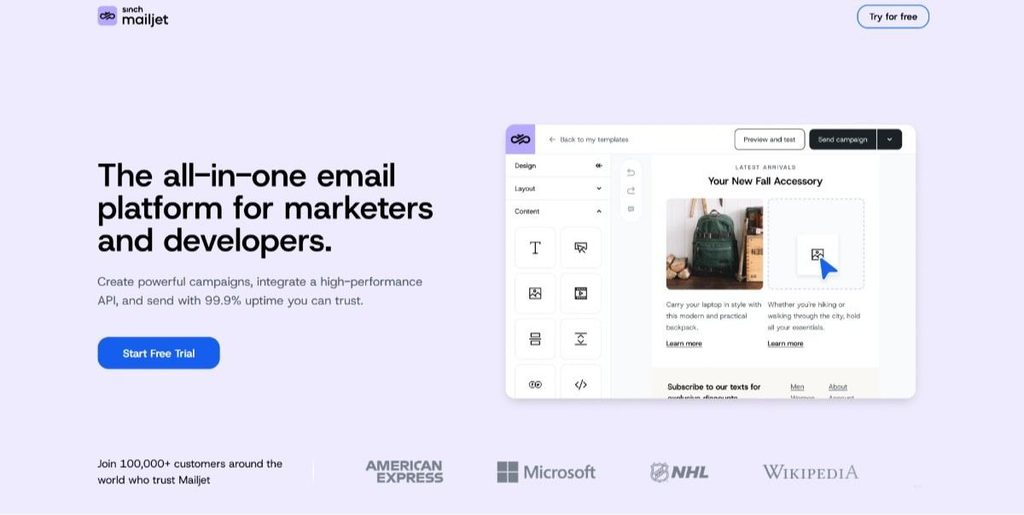
- Key Features: Email campaigns, transactional emails, templates and team collaboration.
- Ease of Use: Simple tools for creating and managing campaigns.
- Pricing: Free plan and paid plans available.
- Best For: Businesses and teams managing regular email campaigns.
14. EmailOctopus
- Overview: EmailOctopus is an affordable email marketing platform for managing subscribers and newsletters.
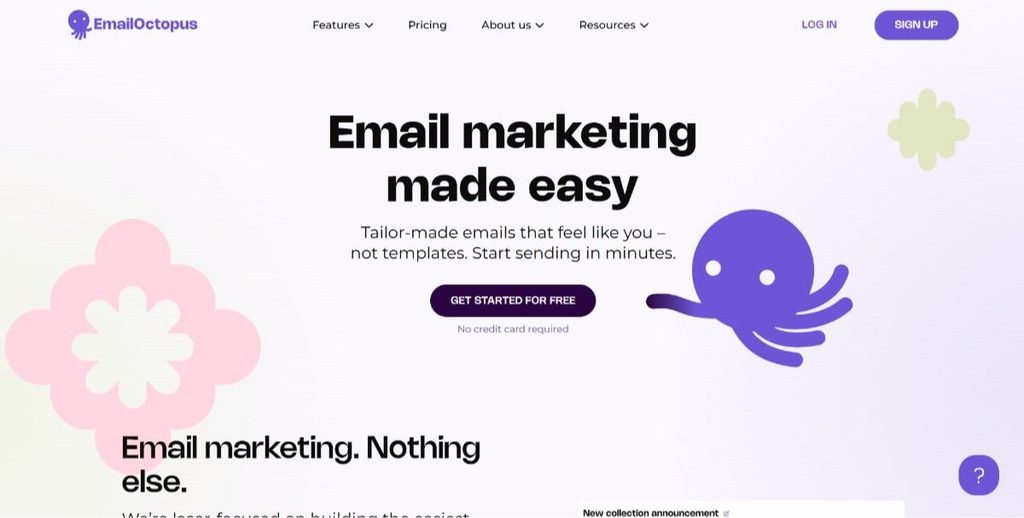
- Key Features: Email templates, automation, signup forms and campaign reports.
- Ease of Use: Simple interface for beginners.
- Pricing: Free plan and paid options.
- Best For: Bloggers, startups and small businesses.
15. beehiiv
- Overview: beehiiv is a newsletter platform designed to help creators grow and monetize their audiences.
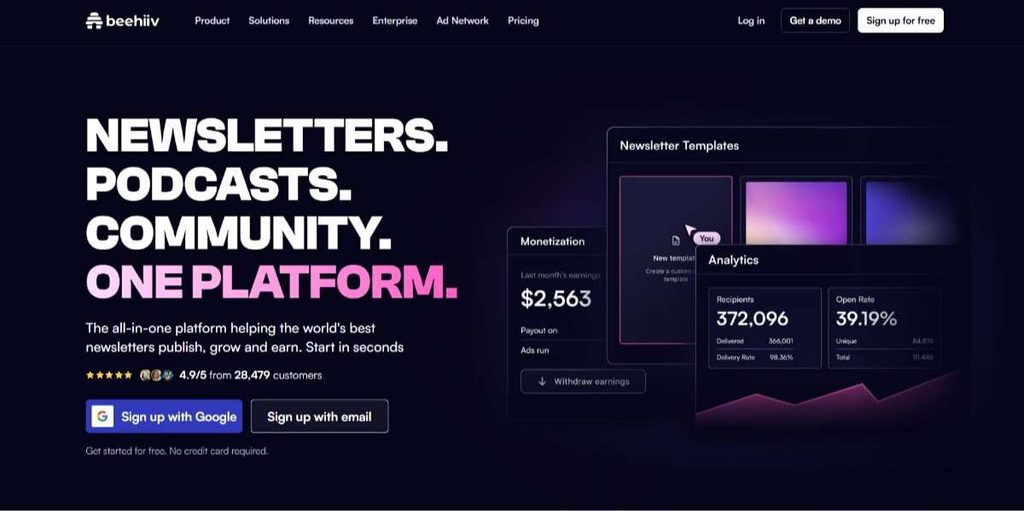
- Key Features: Newsletter publishing, audience growth tools, referral programs and monetization.
- Ease of Use: Easy newsletter creation and publishing.
- Pricing: Free plan and paid plans available.
- Best For: Newsletter writers, publishers and creators.
16. Campaign Monitor
- Overview: Campaign Monitor helps businesses create professional email marketing campaigns.
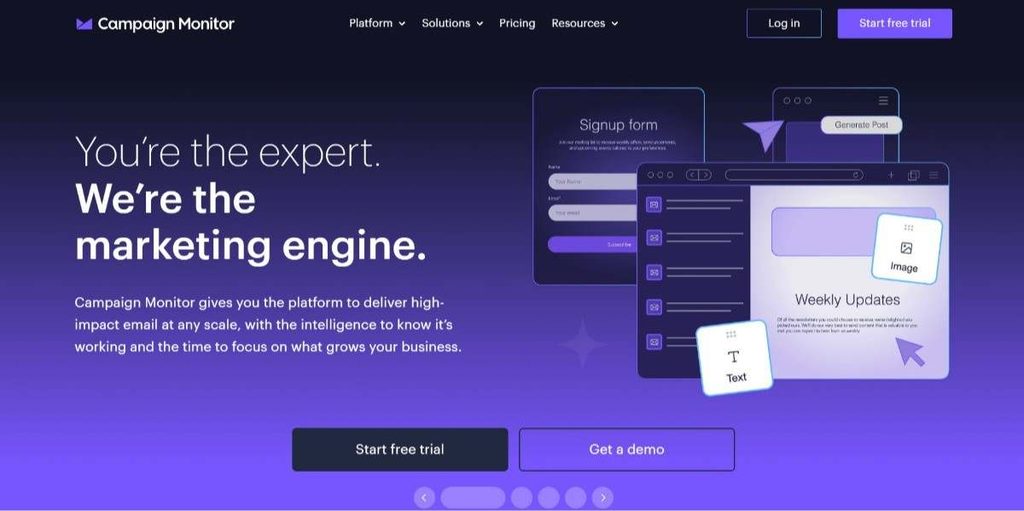
- Key Features: Email templates, automation, personalization and analytics.
- Ease of Use: User-friendly email editor.
- Pricing: Paid plans available.
- Best For: Marketing teams and growing businesses.
17. Drip
- Overview: Drip is an eCommerce-focused email marketing platform for building customer relationships.
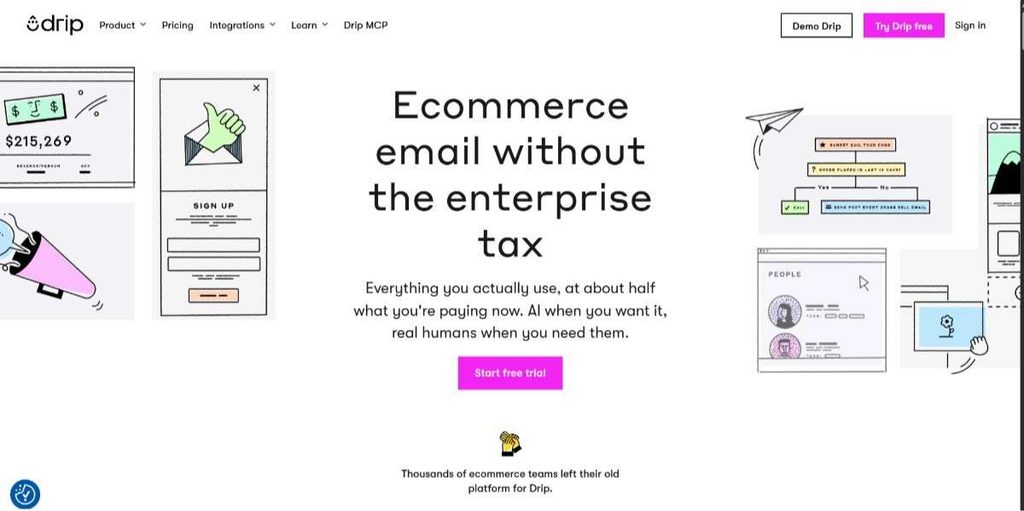
- Key Features: Customer segmentation, email automation, personalized campaigns and revenue tracking.
- Ease of Use: Best suited to users familiar with marketing tools.
- Pricing: Paid plans based on contact volume.
- Best For: eCommerce stores and online retailers.
18. HubSpot
- Overview: HubSpot offers email marketing tools as part of its wider CRM and marketing platform.
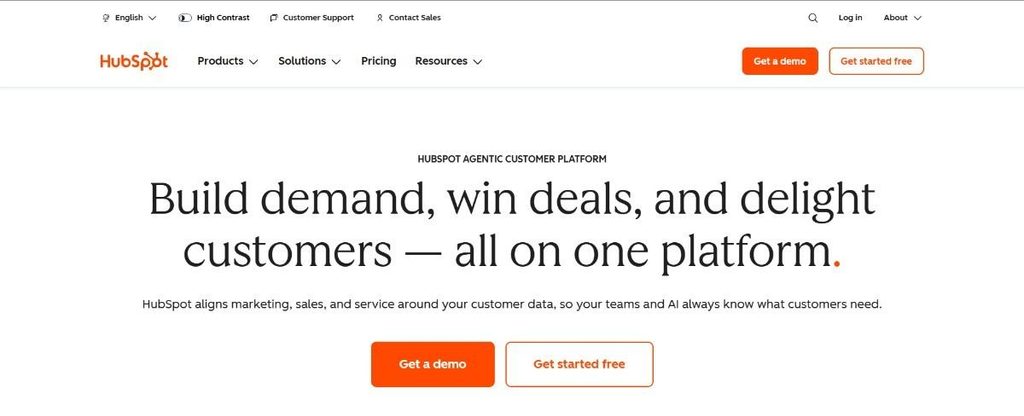
- Key Features: Email campaigns, CRM, automation, landing pages and analytics.
- Ease of Use: Easy to start, but advanced tools require learning.
- Pricing: Free tools and paid plans available.
- Best For: Growing businesses and marketing teams.
19. Benchmark Email
- Overview: Benchmark Email helps businesses create newsletters and manage email campaigns.
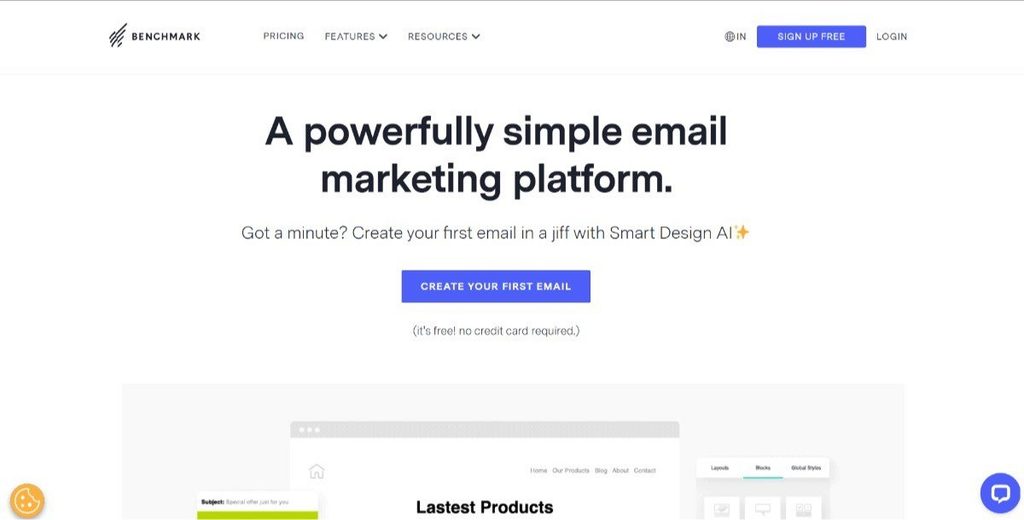
- Key Features: Email templates, automation, signup forms and campaign reports.
- Ease of Use: Simple drag-and-drop email editor.
- Pricing: Free plan and paid options.
- Best For: Freelancers, startups and small businesses.
20. Campaigner
- Overview: Campaigner is an email marketing platform designed for businesses that need advanced campaign management.
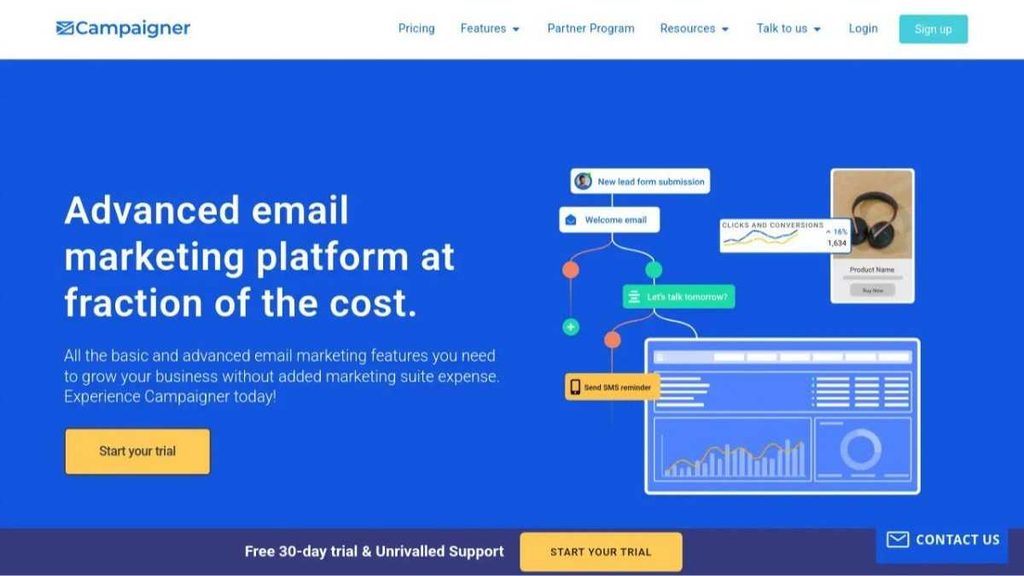
- Key Features: Email automation, audience segmentation, personalization and reporting.
- Ease of Use: Offers advanced features that may take time to learn.
- Pricing: Paid plans available.
- Best For: Growing businesses and experienced marketers.
Free vs Paid Email Marketing Software Comparison
| Features | Free Software | Paid Software |
| Cost | Free | Monthly/Yearly Fee |
| Email Sending | Limited | Higher Limits |
| Automation | Basic | Advanced |
| Templates | Basic | More Options |
| Contact Management | Limited | Advanced |
| Analytics | Basic Reports | Detailed Reports |
| Customer Support | Limited | Better Support |
| Best For | Beginners | Growing Businesses |
Which One Should You Choose?
- Beginners: Free tools like MailerLite and Brevo are good starting options.
- Freelancers: Free plans can help manage small subscriber lists.
- Small Businesses: Start with a free plan and upgrade when your audience grows.
- Growing Businesses: Paid tools like ActiveCampaign and GetResponse offer advanced features.
- eCommerce Businesses: Klaviyo and Omnisend offer useful customer targeting and automation features.
How to Choose the Best Email Marketing Software?
Choosing the right Email Marketing Software depends on your business needs, budget, and marketing goals. Before selecting a tool, consider these important factors:
- Ease of Use: Choose software with a simple dashboard and easy email editor.
- Pricing: Compare free plans, paid plans, and subscriber limits.
- Email Automation: Look for tools that automate welcome emails, reminders, and follow-ups.
- Templates: Choose software with ready-made and customizable email templates.
- Contact Management: Check whether it supports contact lists and audience segmentation.
- Analytics and Reporting: Look for email open rates, click rates, and campaign reports.
- Integrations: Make sure it connects with your CRM, website, and eCommerce platforms.
- Customer Support: Choose a provider that offers helpful customer support.
Tip: Beginners can start with MailerLite or Brevo, while businesses needing advanced automation can consider ActiveCampaign or HubSpot.
Important Features to Look for in Email Marketing Software
Before choosing email marketing software, check these important features:
- Email Campaign Builder: Create and send professional emails easily.
- Email Automation: Automatically send welcome emails and follow-ups.
- Contact Management: Organize and manage subscriber lists.
- Audience Segmentation: Send targeted emails to specific audiences.
- Email Templates: Use ready-made designs to create attractive emails.
- Personalization: Send customized emails based on customer interests.
- Analytics & Reporting: Track email opens, clicks, and conversions.
- A/B Testing: Compare email designs and subject lines.
- Integrations: Connect with CRM, websites, and eCommerce tools.
- Email Deliverability: Help emails reach subscribers’ inboxes.
Tip: Choose software with the features you need, an easy interface, and pricing that fits your budget.
Best Email Marketing Software by Use Case
Different businesses need different email marketing tools. Some are best for beginners, while others offer advanced automation, eCommerce features, and newsletter management.
| Use Case | Recommended Software |
| Best for Beginners | MailerLite |
| Best for Small Businesses | Brevo |
| Best for Email Automation | ActiveCampaign |
| Best for eCommerce | Klaviyo |
| Best for Online Stores | Omnisend |
| Best for Bloggers | AWeber |
| Best for Content Creators | Kit |
| Best for Newsletters | beehiiv |
| Best for CRM Integration | HubSpot |
| Best for Budget-Friendly Marketing | Sender |
| Best for Advanced Marketing | GetResponse |
| Best for Email Campaign Design | Mailchimp |
How to Choose?
- Beginners: Choose MailerLite or Brevo for simple email campaigns.
- Small Businesses: Brevo and Sender offer useful marketing tools.
- eCommerce Stores: Klaviyo and Omnisend help with customer targeting and automated campaigns.
- Content Creators: Kit and beehiiv are useful for newsletters and audience growth.
- Growing Businesses: ActiveCampaign and HubSpot offer advanced marketing and CRM features.
Overall: Choose software based on your business size, budget, audience, and marketing goals rather than simply choosing the most popular tool.
Common Email Marketing Mistakes to Avoid
Avoiding common email marketing mistakes can improve campaign performance and customer engagement.
- Sending Too Many Emails: Avoid sending emails too frequently, as subscribers may unsubscribe.
- Ignoring Mobile Users: Make sure your emails look good on mobile devices.
- No Clear Subject Line: Use short and attractive subject lines to get attention.
- Not Personalizing Emails: Send relevant content based on customer interests.
- Ignoring Email Lists: Remove inactive and invalid email addresses regularly.
- No Call-to-Action (CTA): Include a clear CTA so readers know what to do next.
- Not Testing Emails: Check links, content, and design before sending.
- Ignoring Analytics: Track open rates, clicks, and conversions to improve campaigns.
Tip: Create useful content, send emails to the right audience, and review campaign performance regularly.
Final Thoughts
Choosing the right email marketing software depends on your business needs, budget, and marketing goals. Brevo and MailerLite are good options for beginners and small businesses, while Mailchimp offers useful email campaign tools. ActiveCampaign is suitable for advanced automation, and Klaviyo and Omnisend are strong choices for eCommerce businesses. Kit and beehiiv are useful for content creators and newsletter publishers, while HubSpot is ideal for businesses that need CRM features.
Before choosing, compare pricing, free plans, automation, integrations, and ease of use. The best software is the one that helps you manage emails, connect with your audience, and grow your business within your budget.
Frequently Asked Questions (FAQs)
1. What is the best email marketing software in 2026?
Brevo, MailerLite, Mailchimp, and ActiveCampaign are popular options. The best choice depends on your budget and business needs.
2. Which email marketing software is best for beginners?
MailerLite and Brevo are good choices for beginners because they offer simple dashboards and easy-to-use email tools.
3. Is there any free email marketing software?
Yes. Brevo, MailerLite, Mailchimp, Sender, and HubSpot offer free plans with different features and limits.
4. Which email marketing software is best for small businesses?
Brevo, MailerLite, and Sender are useful options for small businesses looking for affordable email marketing tools.
5. Which software is best for email automation?
ActiveCampaign is a strong option for advanced email automation, while Brevo and MailerLite offer simpler automation features.
6. Which email marketing software is best for eCommerce?
Klaviyo and Omnisend are popular choices for eCommerce businesses because they support customer segmentation and automated campaigns.
7. How much does email marketing software cost?
Pricing depends on the provider, number of contacts, and features. Many tools offer free plans, while paid plans vary by usage.
8. Can I use email marketing software for newsletters?
Yes. Tools like Kit, beehiiv, AWeber, and MailerLite help create and send newsletters to subscribers.
9. What features should I look for in email marketing software?
Look for email automation, templates, contact management, audience segmentation, analytics, integrations, and deliverability tools.
10. Is email marketing software useful for startups and freelancers?
Yes. It helps startups and freelancers manage subscribers, send promotional emails, automate follow-ups, and build customer relationships.