
Choosing the right Best Cloud Hosting provider is important for your website’s speed, security, and growth. Cloud hosting offers flexible resources, reliable performance, and easy scalability for websites and applications.
In this guide, we compare the 7 best cloud hosting providers in 2026, including Hostinger, Google Cloud, Microsoft Azure, AWS, HostGator, Cloudways, and Render. Explore their key features, hosting plans, pricing, performance, security, pros and cons, and best use cases.
We also explain cloud hosting types, how to choose the right provider, cloud hosting comparisons, advantages, disadvantages, and common problems. This guide will help you find a suitable cloud hosting solution based on your budget, website needs, and technical experience.
What Is Cloud Hosting?
Best Cloud Hosting is a web hosting service that uses multiple connected servers to store website files and manage website traffic. Instead of relying on one physical server, it uses cloud resources to improve performance, flexibility, and reliability.
It allows businesses, bloggers, and developers to host websites and applications with flexible resources and easy scalability.
Why Choose Cloud Hosting in 2026?
Best Cloud Hosting is becoming a popular choice in 2026 because it offers flexibility, performance, and scalability for modern websites.
Key Reasons to Choose Cloud Hosting:
- Better Performance: Helps websites handle traffic and maintain good loading speeds.
- Easy Scalability: Increase or decrease server resources as your website grows.
- Flexible Pricing: Choose pricing based on your hosting plan or resource usage.
- High Availability: Multiple servers can help reduce downtime risks.
- Better Security: Many providers offer firewalls, SSL certificates, backups, and security monitoring.
- Business Growth: Suitable for startups, freelancers, and growing businesses.
Types of Cloud Hosting
There are different types of Best Cloud Hosting available depending on business needs, budgets, and technical requirements.
1. Public Cloud Hosting
Public cloud hosting uses shared cloud infrastructure provided by companies like Google Cloud, AWS, and Microsoft Azure. It is flexible and suitable for startups and small to large businesses.
2. Private Cloud Hosting
Private cloud hosting provides dedicated cloud infrastructure for a single organization. It offers more control, customization, and privacy.
3. Hybrid Cloud Hosting
Hybrid cloud hosting combines public and private cloud environments. Businesses can use both environments according to their security and performance requirements.
4. Managed Cloud Hosting
Managed cloud hosting allows the hosting provider to manage server maintenance, updates, security, and backups. It is useful for users who do not want to handle complex server management.
Comparison Table of 7 Cloud Hosting Providers
| Provider | Best For | Pricing Model | Main Advantage |
| Hostinger | Beginners | Fixed plans | Easy management |
| Google Cloud | Developers | Pay-as-you-go | Scalable infrastructure |
| Microsoft Azure | Enterprises | Pay-as-you-go | Microsoft integration |
| AWS | Large businesses | Pay-as-you-go | Flexible cloud services |
| HostGator | Small websites | Hosting plans | Beginner-friendly |
| Cloudways | WordPress websites | Usage-based plans | Managed cloud servers |
| Render | Developers | Free and paid plans | Easy deployment |
7 Best Cloud Hosting Providers
1. Hostinger
Brand Overview:
Hostinger is a popular web hosting provider offering affordable cloud hosting solutions. It is suitable for beginners, bloggers, freelancers, and small businesses.

Key Features:
- Easy-to-use hPanel dashboard
- Free SSL certificates
- Free website migration
- Daily backups on selected plans
- Managed cloud hosting
Hosting Plans & Pricing:
Hostinger offers different cloud hosting plans with features such as storage, bandwidth, and website hosting. Pricing depends on the selected plan and promotional offers.
Performance & Uptime:
Hostinger provides fast loading speeds, LiteSpeed technology, and reliable server performance for websites.
Security Features:
- Free SSL certificates
- DDoS protection
- Malware protection
- Automatic backups
Pros & Cons:
Pros:
- Affordable hosting plans
- Beginner-friendly dashboard
- Good website performance
Cons:
- Renewal prices may be higher
- Advanced server control is limited
Best For: Beginners, bloggers, freelancers, and small businesses.
2. Google Cloud
Brand Overview:
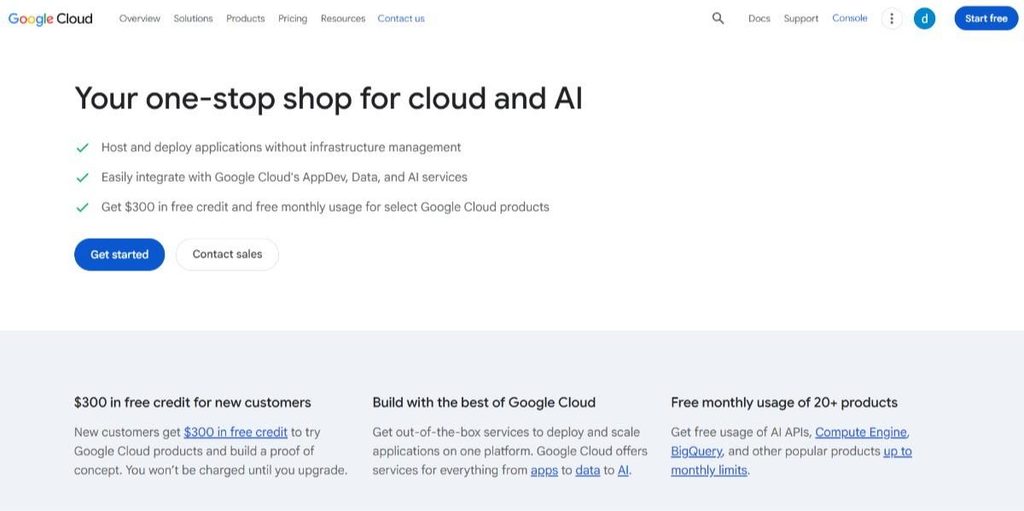
Google Cloud is a powerful cloud computing platform by Google. It provides scalable infrastructure and cloud services for startups, developers, and large businesses.
Key Features:
- Compute Engine virtual machines
- Cloud storage
- Advanced networking
- AI and machine learning tools
- Flexible cloud infrastructure
Hosting Plans & Pricing:
Google Cloud uses a pay-as-you-go pricing model. Users pay based on the resources and services they use.
Performance & Uptime:
Google Cloud offers high-performance infrastructure, global data centers, and scalable computing resources.
Security Features:
- Data encryption
- Identity and access management
- DDoS protection options
- Security monitoring
Pros & Cons:
Pros:
- Highly scalable infrastructure
- Powerful cloud services
- Global network
Cons:
- Pricing can be complex
- Requires technical knowledge
Best For: Developers, startups, and enterprise businesses.
3. Microsoft Azure
Brand Overview:
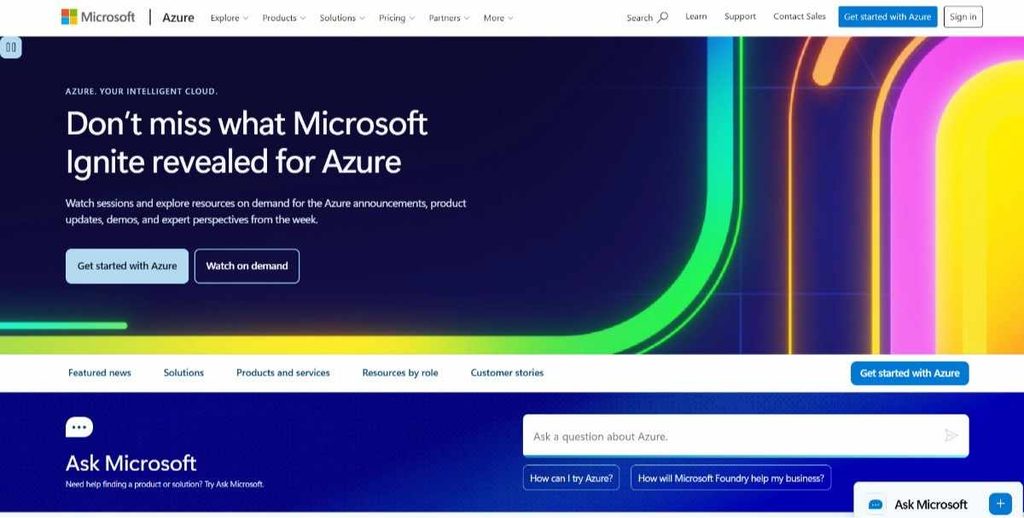
Microsoft Azure is a cloud computing platform that provides hosting, storage, databases, networking, and application development services.
Key Features:
- Azure Virtual Machines
- Cloud storage solutions
- Database management
- AI and analytics tools
- Hybrid cloud support
Hosting Plans & Pricing:
Azure offers pay-as-you-go pricing and different pricing options based on computing resources, storage, and services.
Performance & Uptime:
Azure provides scalable infrastructure, global data centers, and reliable performance for business applications.
Security Features:
- Microsoft Entra ID
- Data encryption
- Security monitoring
- Network protection
Pros & Cons:
Pros:
- Wide range of cloud services
- Strong enterprise support
- Flexible infrastructure
Cons:
- Can be difficult for beginners
- Pricing structure is complex
Best For: Enterprises, developers, and businesses using Microsoft tools.
4. Amazon Web Services (AWS)
Brand Overview:
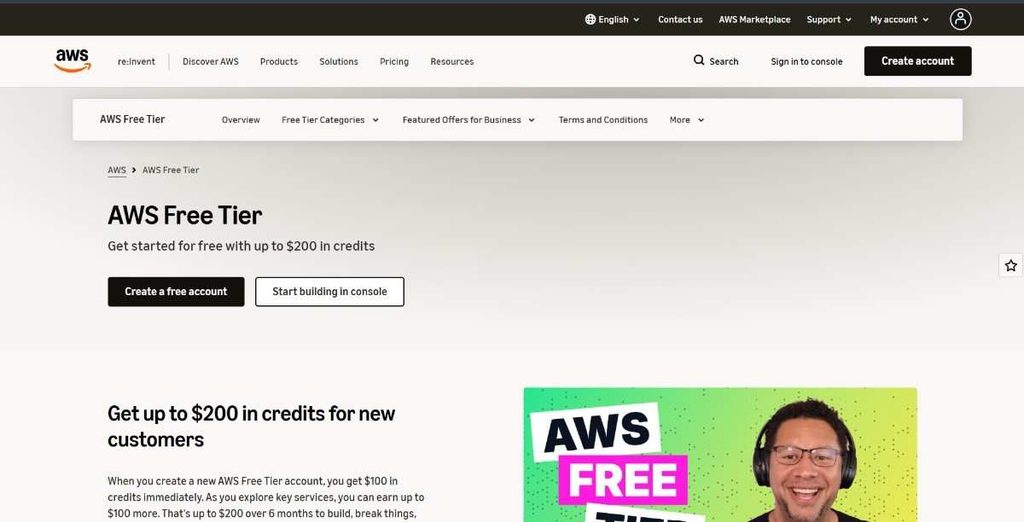
Amazon Web Services (AWS) is a leading cloud computing platform by Amazon. It offers hosting, storage, databases, and computing services for businesses of all sizes.
Key Features:
- Amazon EC2 virtual servers
- Amazon S3 cloud storage
- Database services
- Auto-scaling resources
- Global data centers
Hosting Plans & Pricing:
AWS offers pay-as-you-go pricing. Users pay according to their server usage, storage, bandwidth, and selected services.
Performance & Uptime:
AWS provides powerful infrastructure, flexible server resources, and global availability for websites and applications.
Security Features:
- Data encryption
- AWS Identity and Access Management (IAM)
- DDoS protection with AWS Shield
- Security monitoring
Pros & Cons:
Pros:
- Highly scalable hosting
- Wide range of cloud services
- Suitable for large projects
Cons:
- Complex pricing structure
- Requires technical knowledge
Best For: Startups, developers, large websites, and enterprise businesses.
5. HostGator
Brand Overview:
HostGator is a well-known web hosting company that provides shared hosting, VPS hosting, and dedicated server solutions. It is commonly used by bloggers, beginners, and small businesses.

Key Features:
- Easy-to-use hosting dashboard
- One-click WordPress installation
- Free SSL certificates on eligible plans
- Website migration options
- Scalable hosting solutions
Hosting Plans & Pricing:
HostGator offers different hosting plans, including shared, VPS, and dedicated hosting. Check its current offerings before describing a specific cloud hosting plan, as its older Cloud Hosting product may not be available.
Performance & Uptime:
HostGator provides hosting infrastructure designed to support websites, blogs, and business projects.
Security Features:
- SSL certificates
- Website backup options
- Server monitoring
- Security tools depending on the plan
Pros & Cons:
Pros:
- Beginner-friendly hosting
- Multiple hosting options
- WordPress support
Cons:
- Renewal prices can be higher
- Some advanced features cost extra
Best For: Beginners, bloggers, and small business websites.
6. Cloudways
Brand Overview:
Cloudways is a managed cloud hosting platform that makes it easier to host websites on cloud infrastructure. It is suitable for developers, agencies, and growing businesses.

Key Features:
- Managed cloud hosting
- One-click application deployment
- Free SSL installation
- Automated backups
- Server scaling options
Hosting Plans & Pricing:
Cloudways offers different pricing options depending on the cloud infrastructure provider and server resources selected. Pricing is generally based on server usage.
Performance & Uptime:
Cloudways provides optimized server environments, caching tools, and scalable resources to support fast website performance.
Security Features:
- Dedicated firewalls
- Free SSL certificates
- Automated backups
- Two-factor authentication
Pros & Cons:
Pros:
- Easy cloud server management
- Flexible hosting options
- Good performance tools
Cons:
- More expensive than some basic hosting plans
- Requires some technical knowledge
Best For: Developers, agencies, WordPress websites, and growing businesses.
7. Render
Brand Overview:
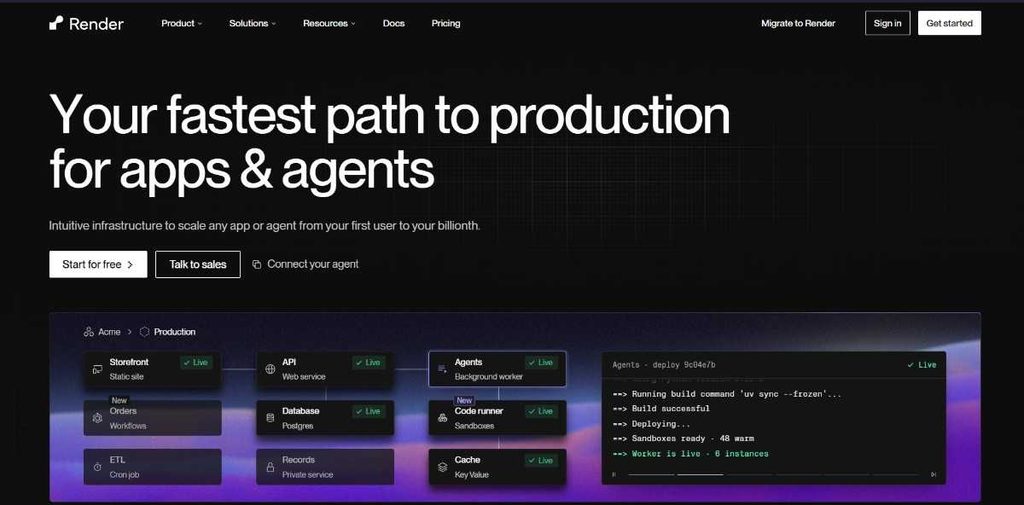
Render is a cloud platform that helps developers build, deploy, and manage websites and applications. It supports modern development technologies and simplifies application hosting.
Key Features:
- Web service hosting
- Static website hosting
- Background workers
- Managed PostgreSQL databases
- Automatic deployments from Git
Hosting Plans & Pricing:
Render offers free and paid service options for different workloads. Pricing depends on the selected service, computing resources, and usage.
Performance & Uptime:
Render provides scalable cloud infrastructure and automatic deployment tools for modern websites and applications.
Security Features:
- Automatic HTTPS
- Private networking
- Environment variable management
- Secure deployment options
Pros & Cons:
Pros:
- Easy application deployment
- Developer-friendly platform
- Supports modern frameworks
Cons:
- Some services have usage-based costs
- Free services have limitations
Best For: Developers, startups, and businesses building modern web applications.
How to Choose the Best Cloud Hosting Provider?
Choosing the right Best Cloud Hosting provider depends on your website requirements, budget, and technical knowledge.
Important Factors to Consider:
- Pricing: Compare monthly costs, renewal prices, and additional charges.
- Performance: Look for fast servers, good loading speeds, and reliable infrastructure.
- Uptime: Choose a provider with a strong uptime commitment.
- Security: Check SSL certificates, firewalls, backups, and DDoS protection.
- Scalability: Make sure you can upgrade resources as your website grows.
- Customer Support: Choose a provider with helpful technical support.
- Ease of Use: Beginners should look for a simple dashboard and easy server management.
- Storage & Bandwidth: Select resources according to your website traffic and storage needs.
Cloud Hosting vs Shared Hosting vs VPS Hosting
| Feature | Cloud Hosting | Shared Hosting | VPS Hosting |
| Performance | Scalable | Basic | Good |
| Resources | Flexible | Shared | Allocated |
| Pricing | Flexible | Affordable | Moderate |
| Scalability | High | Limited | Moderate |
| Best For | Growing websites | Beginners | Medium websites |
Advantages and Disadvantages of Cloud Hosting
Best Cloud Hosting offers several benefits, but it also has some limitations. Understanding both can help you make a better hosting decision.
Advantages of Cloud Hosting:
- High Scalability: Easily increase server resources when needed.
- Better Reliability: Multiple connected servers can reduce the impact of individual server failures.
- Flexible Pricing: Pay according to your selected plan or resource usage.
- Good Performance: Cloud resources can support websites with changing traffic.
- Easy Management: Managed cloud hosting simplifies server maintenance.
- Global Availability: Many providers offer servers across multiple regions.
Disadvantages of Cloud Hosting:
- Complex Pricing: Usage-based charges can make costs difficult to predict.
- Technical Knowledge: Some platforms require server management skills.
- Additional Costs: Backups, storage, bandwidth, and extra services may increase expenses.
- Internet Dependency: Managing cloud services requires a reliable internet connection.
- Security Management: Users may need to configure security settings correctly.
Common Cloud Hosting Problems and Solutions
| Common Problem | Solution |
| Slow website speed | Optimize images and enable caching |
| High hosting costs | Monitor resource usage |
| Server downtime | Choose reliable infrastructure |
| Security issues | Use SSL, firewalls, and backups |
| Traffic overload | Upgrade or scale server resources |
Final Thoughts
Choosing the best cloud hosting provider depends on your website requirements, budget, and technical knowledge. Each provider offers different features and hosting solutions for different users.
Hostinger is a good option for beginners and small businesses, while Google Cloud, Microsoft Azure, and AWS offer powerful infrastructure for developers and growing enterprises. Cloudways is suitable for managed cloud hosting, HostGator offers beginner-friendly hosting solutions, and Render is useful for modern web application deployment.
Before choosing a provider, compare its pricing, performance, security, scalability, and customer support. Also, consider your website traffic and future growth requirements.
Take time to compare your options and choose a cloud hosting provider that offers the right balance of performance, features, and affordability for your website.
Frequently Asked Questions (FAQs)
1. What is the best cloud hosting provider in 2026?
The best cloud hosting provider depends on your needs. Hostinger is worth considering for beginners, AWS and Google Cloud for developers, Microsoft Azure for enterprises, and Cloudways for managed cloud hosting.
2. Is cloud hosting better than shared hosting?
Cloud hosting generally offers better scalability and flexible resources. Shared hosting is more affordable and suitable for beginners or small websites with limited traffic.
3. Is cloud hosting good for beginners?
Yes, cloud hosting can be good for beginners, especially managed hosting services like Hostinger and Cloudways, which simplify server management.
4. How much does cloud hosting cost?
Cloud hosting costs depend on the provider, storage, bandwidth, server resources, and hosting plan. Some providers offer fixed monthly plans, while others use pay-as-you-go pricing.
5. Which cloud hosting is best for WordPress?
Hostinger and Cloudways are popular options for WordPress websites. Your choice depends on your budget, website traffic, and server management requirements.
6. Is cloud hosting secure?
Yes, cloud hosting can offer strong security features such as SSL certificates, firewalls, data encryption, backups, and DDoS protection. Security also depends on proper configuration and management.
7. What are the main types of cloud hosting?
The four common types are public cloud hosting, private cloud hosting, hybrid cloud hosting, and managed cloud hosting. Each type serves different business and technical requirements.
8. Can cloud hosting handle high website traffic?
Yes, cloud hosting can handle changing website traffic by increasing server resources when needed. However, performance depends on the provider, configuration, and available resources.
9. What is the difference between managed and unmanaged cloud hosting?
Managed cloud hosting includes provider support for server maintenance, updates, and security management. Unmanaged cloud hosting requires users to handle most server tasks themselves.
10. How do I choose the right cloud hosting provider?
Compare pricing, performance, uptime, security, storage, bandwidth, scalability, and customer support. Choose a provider that matches your website requirements and future growth plans.