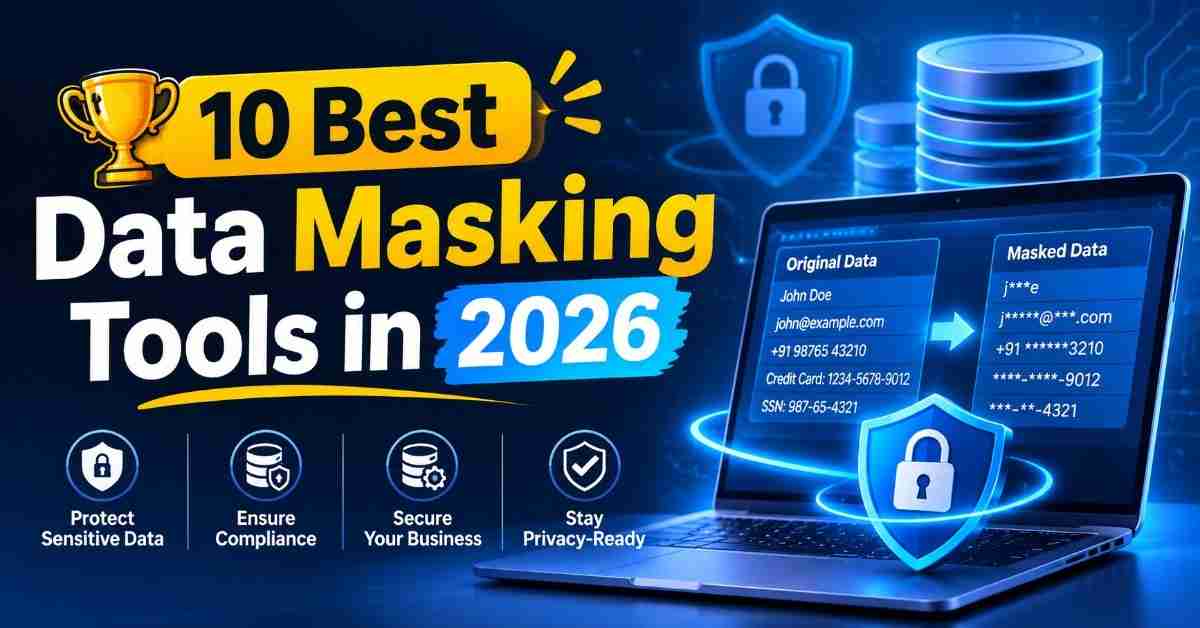
Data security is important for businesses that handle sensitive information, such as customer details, financial records, employee data, and personal information. best data masking tools help protect this information by replacing or hiding sensitive data while keeping it useful for testing, development, and analysis.
Choosing the right tool depends on database compatibility, masking methods, automation, security requirements, and budget.
In this article, we compare 10 popular data masking tools, including Informatica, IBM InfoSphere Optim, K2View, Oracle, Delphix, and Microsoft SQL Server Dynamic Data Masking. We cover their key features, capabilities, benefits, supported databases, pricing, and ideal use cases to help you make an informed decision.
What Are Data Masking Tools?
best data masking tools are software solutions that hide or replace sensitive information with realistic but non-sensitive values. They help organizations protect confidential data while allowing developers, testers, and analysts to work with usable datasets.
For example, a tool can replace a real customer’s name, email address, or credit card number with fictional information.

Why Are Data Masking Tools Important?
best data masking tools help businesses:
- Protect customer and employee information.
- Reduce the risk of sensitive data exposure.
- Support secure software testing and development.
- Improve data privacy and compliance practices.
- Safely share data across teams.
- Reduce the use of real production data in non-production environments.
Key Features to Look for in Data Masking Tools
Before selecting a solution, consider these important features:
- Static Data Masking: Replaces sensitive information in stored datasets.
- Dynamic Data Masking: Hides sensitive values when users access data.
- Data Discovery: Identifies sensitive information across databases.
- Automation: Supports repeatable masking workflows.
- Database Compatibility: Works with your existing database systems.
- Data Consistency: Maintains relationships between connected records.
- Access Control: Restricts access to sensitive information.
Data Masking Tools Comparison Table
The following table provides a quick comparison of all 10 tools to help you understand their main strengths.
| Tool | Best For | Main Strength |
|---|---|---|
| Informatica | Large enterprises | Centralized masking |
| IBM InfoSphere Optim | Enterprise databases | Data consistency |
| K2View | Complex applications | Cross-system masking |
| Oracle DMS | Oracle environments | Database protection |
| DATPROF Privacy | Test data | Synthetic data |
| IRI FieldShield / DarkShield | Multiple data formats | PII discovery |
| Delphix (Perforce) | Enterprise testing | Data virtualization |
| Oracle Data Masking and Subsetting | Oracle users | Masking and subsetting |
| Broadcom Test Data Manager | Software testing | Test data automation |
| Microsoft SQL Server DDM | SQL Server users | Built-in masking |
10 Best Data Masking Tools in 2026: Detailed Overview
1. Informatica
Brand Overview: Informatica helps businesses protect sensitive data across databases, applications, and cloud environments.
Key Features:
- Automated data discovery
- Static and dynamic masking
- Centralized masking policies
- Data integrity protection
- Cloud and hybrid support
Data Masking Capabilities: Supports masking, substitution, anonymization, and role-based protection.
Supported Databases: Oracle, Microsoft SQL Server, and other enterprise data sources.
Best For: Large businesses managing data across multiple systems.
Benefits: Centralized data protection, better security, and safer testing environments.
Pros: Flexible policies, automation, enterprise integration.
Cons: Requires technical expertise and implementation time.
Pricing: Custom pricing.
2. IBM InfoSphere Optim
Brand Overview: IBM InfoSphere Optim protects sensitive information while maintaining realistic data for software testing and development.
Key Features:
- Context-aware masking
- Referential integrity
- Data discovery
- Automated masking
- API-based masking
Data Masking Capabilities: Replaces sensitive values with realistic fictional data while maintaining relationships.
Supported Databases: IBM Db2, Oracle, SQL Server, PostgreSQL, Informix, and Teradata.
Best For: Large enterprises with complex databases.
Benefits: Protects personal information and maintains data consistency.
Pros: Strong enterprise features, flexible integration, consistent masking.
Cons: Complex licensing and implementation.
Pricing: Custom enterprise pricing.
3. K2View
Brand Overview: K2View provides data masking and test data management solutions for businesses using multiple applications and data sources.
Key Features:
- Static and dynamic masking
- Sensitive data discovery
- Data subsetting
- Synthetic data generation
- Self-service data provisioning
Data Masking Capabilities: Masks sensitive data while maintaining relationships across connected systems.
Supported Databases: Relational, NoSQL, mainframes, files, and cloud data stores.
Best For: Enterprises managing data across multiple applications.
Benefits: Simplifies test data management and improves testing efficiency.
Pros: Automation, cross-system masking, flexible data provisioning.
Cons: May require technical resources.
Pricing: Custom pricing.
4. Oracle DMS
Brand Overview: Oracle DMS helps protect sensitive database information used in development, testing, and non-production environments.
Key Features:
- Sensitive data discovery
- Data masking policies
- Data subsetting
- Referential integrity
- Flexible masking workflows
Data Masking Capabilities: Replaces confidential information with anonymized values and creates smaller database copies.
Supported Databases: Primarily Oracle Database, with additional support through Oracle Database Gateways.
Best For: Businesses using Oracle databases.
Benefits: Reduces data exposure and supports secure testing.
Pros: Oracle integration, data discovery, subsetting.
Cons: Best suited to Oracle-focused environments.
Pricing: Commercial licensing; contact Oracle for a quote.
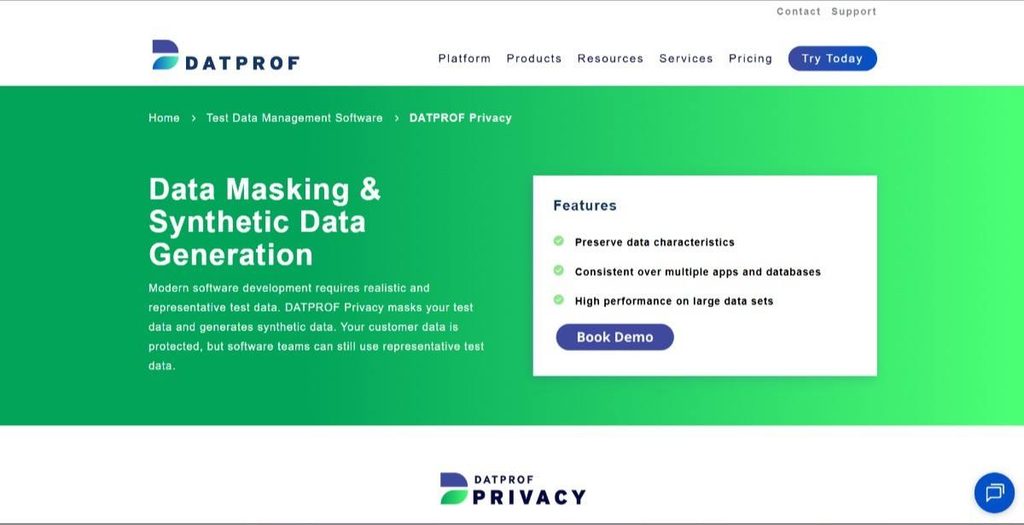
5. DATPROF Privacy
Brand Overview: DATPROF Privacy protects sensitive information and creates realistic test data for software development.
Key Features:
- Automated masking
- Synthetic data generation
- Consistent masking
- Large dataset processing
- Privacy protection
Data Masking Capabilities: Masks confidential information and generates synthetic data while maintaining important characteristics.
Supported Databases: Multiple database environments, depending on product version and connectors.
Best For: Development teams needing realistic and secure test data.
Benefits: Protects customer information and improves test data quality.
Pros: Synthetic data generation, consistent masking, simple purpose.
Cons: Advanced requirements may need extra configuration.
Pricing: Custom quotation.
6. IRI FieldShield / DarkShield
Brand Overview: IRI offers FieldShield for structured data and DarkShield for structured, semi-structured, and unstructured data protection.
Key Features:
- Automatic data discovery
- Data encryption and masking
- Pseudonymization
- PII classification
- Audit reporting
Data Masking Capabilities: FieldShield protects databases and files, while DarkShield also masks documents, images, text, and NoSQL data.
Supported Databases: Oracle, SQL databases, MongoDB, Cassandra, and Elasticsearch.
Best For: Businesses handling sensitive information across different data formats.
Benefits: Supports multiple formats and helps identify hidden sensitive information.
Pros: Flexible masking, broad format support, strong discovery.
Cons: Advanced configurations require technical knowledge.
Pricing: Custom licensing.
7. Delphix (Perforce)
Brand Overview: Perforce Delphix provides enterprise data masking and test data management solutions for development, testing, and analytics teams.
Key Features:
- Automated data discovery
- AI-powered masking
- Data virtualization
- Referential integrity
- Synthetic data generation
Data Masking Capabilities: Replaces sensitive information with realistic fictional values across different data sources.
Supported Databases: Relational databases, data warehouses, data lakes, and files.
Best For: Large enterprises with complex testing environments.
Benefits: Faster test data delivery and reduced data exposure.
Pros: Automation, scalability, data virtualization.
Cons: Requires technical expertise and enterprise investment.
Pricing: Custom enterprise pricing.
8. Oracle Data Masking and Subsetting
Brand Overview: Oracle Data Masking and Subsetting protects sensitive information and creates smaller database copies for testing and development.
Key Features:
- Sensitive data discovery
- Format-preserving masking
- Data subsetting
- Referential integrity
- Predefined masking templates
Data Masking Capabilities: Replaces confidential values with anonymized data while maintaining database relationships.
Supported Databases: Oracle Database and supported non-Oracle databases through Oracle Database Gateways.
Best For: Organizations using Oracle Database.
Benefits: Reduces storage requirements and improves data protection.
Pros: Oracle integration, data discovery, masking and subsetting.
Cons: Less suitable for diverse database environments without additional configuration.
Pricing: Commercial licensing.
9. Broadcom Test Data Manager
Brand Overview: Broadcom Test Data Manager helps businesses discover, mask, generate, and manage test data for software development.
Key Features:
- Sensitive data discovery
- Automated masking
- Synthetic data generation
- Data subsetting
- Virtual database cloning
Data Masking Capabilities: Identifies sensitive information and applies consistent masking while creating realistic test data.
Supported Databases: Multiple enterprise database environments through supported integrations and connectors.
Best For: Large development teams and enterprises.
Benefits: Improves test data availability and reduces manual work.
Pros: Automated masking, synthetic data, self-service provisioning.
Cons: Setup and administration may require specialist knowledge.
Pricing: Custom enterprise pricing.
10. Microsoft SQL Server Dynamic Data Masking
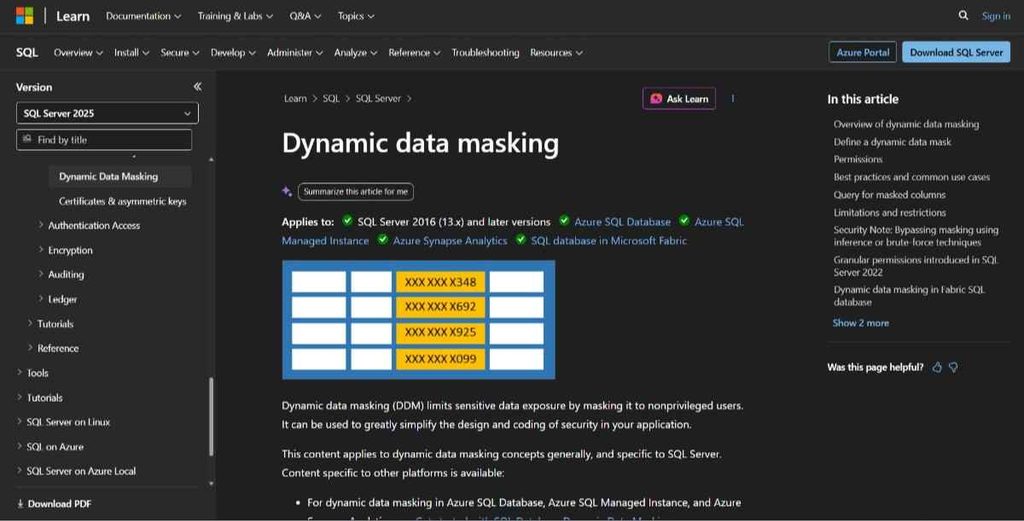
Brand Overview: Microsoft SQL Server Dynamic Data Masking (DDM) is a built-in feature that limits the visibility of sensitive information.
Key Features:
- Default masking
- Partial masking
- Email masking
- Random numeric masking
- Permission-based visibility
Data Masking Capabilities: Hides selected values in query results without changing the original stored data.
Supported Databases: SQL Server 2016+, Azure SQL Database, Azure SQL Managed Instance, Azure Synapse Analytics, and supported Microsoft Fabric SQL databases.
Best For: Businesses already using Microsoft SQL Server.
Benefits: Easy configuration and restricted sensitive data visibility.
Pros: Built-in feature, simple setup, no separate masking product required.
Cons: Does not permanently anonymize stored data.
Pricing: Included in supported database services; applicable licensing or service charges may apply.
How to Choose the Best Data Masking Tool?
Selecting the right data masking tool depends on your organization’s security requirements and database environment.
Consider these important factors before making a decision:
1. Database Compatibility
Choose a tool that supports your existing databases, applications, and cloud platforms.
2. Data Masking Methods
Check whether the solution offers static masking, dynamic masking, anonymization, encryption, or synthetic data generation.
3. Data Security
Look for sensitive data discovery, access controls, audit logs, and consistent security policies.
4. Performance and Automation
Choose software that can handle large datasets and automate repetitive masking tasks.
5. Pricing and Licensing
Compare licensing options, implementation costs, maintenance, and support before purchasing.
6. Data Integrity
Make sure the tool preserves relationships between tables and maintains realistic data for testing.
Which Data Masking Tool Is Best for Your Business?
Different tools serve different business needs. Here are some practical recommendations:
- Best for large enterprises: Informatica
- Best for enterprise data privacy: IBM InfoSphere Optim
- Best for complex applications: K2View
- Best for Oracle environments: Oracle Data Masking and Subsetting
- Best for test data generation: DATPROF Privacy
- Best for structured and unstructured data: IRI FieldShield / DarkShield
- Best for data virtualization: Delphix (Perforce)
- Best for enterprise test management: Broadcom Test Data Manager
- Best for SQL Server users: Microsoft SQL Server Dynamic Data Masking
Final Thoughts
best data masking tools help organizations protect sensitive information while maintaining useful data for testing, development, and analytics.
Solutions such as Informatica, IBM InfoSphere Optim, K2View, and Delphix are suitable for complex enterprise requirements. DATPROF and IRI offer useful options for different data protection needs, while Oracle provides strong capabilities for Oracle database environments. Microsoft SQL Server Dynamic Data Masking is a practical built-in option for SQL Server users.
Before choosing a tool, compare its database compatibility, masking features, security capabilities, pricing, and ease of implementation. The right solution should protect confidential information without affecting your business operations.
Frequently Asked Questions (FAQs)
1. What is a data masking tool?
A data masking tool protects sensitive information by replacing original values with fictional or hidden data. It helps businesses use data safely for testing, development, and analytics.
2. Which is the best data masking tool in 2026?
Informatica, IBM InfoSphere Optim, K2View, and Delphix are popular enterprise options. The best choice depends on your database, security requirements, and budget.
3. What are the different types of data masking?
The main types include:
Static data masking
Dynamic data masking
On-the-fly data masking
Deterministic data masking
Data anonymization
4. Is data masking important for data privacy?
Yes. Data masking helps reduce exposure of personal and confidential information and supports privacy and compliance practices.
5. What is the difference between static and dynamic data masking?
Static masking permanently replaces sensitive values in a copied dataset. Dynamic masking hides selected values when users access database records without changing the original stored data.
6. Can data masking tools protect customer information?
Yes. They can protect customer names, email addresses, phone numbers, financial details, and other sensitive information.
7. Are data masking tools suitable for small businesses?
Yes. Small businesses can use database-native features or affordable masking solutions depending on their data volume, security needs, and budget.
8. Does Microsoft SQL Server support data masking?
Yes. Microsoft SQL Server provides Dynamic Data Masking, which hides selected sensitive values from users who do not have the required permissions.
9. Do data masking tools support cloud databases?
Yes. Many solutions support cloud and hybrid environments. However, database compatibility depends on the vendor, product version, and available connectors.
10. What should I check before buying data masking software?
Check database compatibility, masking methods, automation, data integrity, security features, pricing, technical support, and licensing requirements.