
Choosing the right website builder can make website creation easier, even without coding skills. In this guide, we explore 10 popular website builders, including Wix, Hostinger, Shopify, Squarespace, Webflow, 10Web, WordPress, Duda, Jimdo and Appy Pie. Compare their features, pricing, customization options, SEO tools, and pros and cons. We also explain free vs paid plans and help you find the best website builder for your needs, budget and business goals.
Top AI Website Builders Comparison Table
Choosing the right website builder depends on your budget, website requirements and technical skills. The following table compares 10 popular website builders based on their features, ease of use and main purposes.
| Website Builder | Best For | Ease of Use | Free Option |
| Wix | Overall Website Building | Easy | Yes |
| Hostinger | Budget-Friendly Websites | Easy | Free Trial |
| Shopify | Online Stores | Easy | Free Trial |
| Squarespace | Professional Designs | Easy | Free Trial |
| Webflow | Advanced Website Design | Moderate | Yes |
| 10Web | AI Website Building | Easy | Free Trial |
| WordPress | Blogging and SEO | Moderate | Yes* |
| Duda | Agencies and Freelancers | Easy | Free Trial |
| Jimdo | Beginners | Easy | Yes |
| Appy Pie | Websites and Mobile Apps | Easy | Free Trial |
*WordPress.org software is free, but hosting and domain registration generally require payment. Free plans and trial availability can change.
1. Wix – Best Overall Website Builder
- Platform Overview: Wix is an all-in-one website builder that helps users create professional websites without coding.
- Key Features: Drag-and-drop editor, AI website builder, ready-made templates, blogging and eCommerce tools.
- Ease of Use: Easy for beginners with a simple visual editor.
- Customization Options: Customize website layouts, fonts, colors, images and page sections.
- SEO and Marketing Tools: SEO settings, email marketing, social media integrations and website analytics.
- Pricing: Offers a free plan and multiple paid plans.
- Customer Support: Provides tutorials, a Help Center and customer support options.
- Best For: Beginners, freelancers, startups and small businesses.
- Pros and Cons: Pros: Easy to use, attractive templates and useful business tools. Cons: Premium plans can be expensive and template changes are limited.
2. Hostinger – Best Budget-Friendly Website Builder
- Platform Overview: Hostinger is an affordable website builder that combines website creation, hosting and AI tools.
- Key Features: AI website builder, drag-and-drop editor, templates, SEO tools and eCommerce features.
- Ease of Use: Simple dashboard and beginner-friendly editing tools.
- Customization Options: Customize website layouts, fonts, colors, images and sections.
- SEO and Marketing Tools: SEO settings, AI content tools, analytics integrations and marketing features.
- Pricing: Offers paid plans with promotional discounts.
- Customer Support: Provides 24/7 customer support, tutorials and a knowledge base.
- Best For: Beginners, freelancers, startups and small businesses.
- Pros and Cons: Pros: Affordable plans, AI tools and included hosting. Cons: Fewer advanced customization options than some competitors.
3. Shopify – Best Website Builder for eCommerce
- Platform Overview: Shopify is an eCommerce platform that helps businesses create online stores and sell products.

- Key Features: Product management, inventory tracking, payment processing, order management and store themes.
- Ease of Use: Easy-to-manage dashboard with tools for online store owners.
- Customization Options: Customize store themes, product pages, layouts and storefront designs.
- SEO and Marketing Tools: SEO settings, email marketing, discount codes, social media selling and analytics.
- Pricing: Offers paid subscription plans with different business features.
- Customer Support: Provides customer support, help guides and community resources.
- Best For: Online sellers, eCommerce startups, retailers and growing businesses.
- Pros and Cons: Pros: Powerful selling tools, secure checkout and inventory management. Cons: Monthly costs, possible transaction-related fees and additional app expenses.
4. Squarespace – Best for Professional Website Designs
- Platform Overview: Squarespace is a website builder known for modern templates and professional website designs.
- Key Features: Ready-made templates, blogging tools, eCommerce, appointment scheduling and website analytics.
- Ease of Use: Easy-to-use editor with an organized dashboard.
- Customization Options: Customize templates, fonts, colors, images and page layouts.
- SEO and Marketing Tools: SEO settings, email campaigns, social media integrations and analytics.
- Pricing: Offers paid subscription plans and a free trial.
- Customer Support: Provides a Help Center, tutorials and customer support.
- Best For: Photographers, designers, creative professionals and small businesses.
- Pros and Cons: Pros: Beautiful templates, professional layouts and built-in tools. Cons: Less design flexibility than Wix and Webflow.
5. Webflow – Best for Advanced Website Design
- Platform Overview: Webflow is a visual website development platform that allows users to create professional and customized websites.
- Key Features: Visual editor, CMS, animations, responsive design and custom interactions.
- Ease of Use: Offers advanced design controls, but beginners may need time to understand its editor.
- Customization Options: Customize layouts, fonts, colors, animations, page sections and responsive designs.
- SEO and Marketing Tools: SEO settings, meta titles, meta descriptions, redirects and marketing integrations.
- Pricing: Offers a free Starter plan and multiple paid plans.
- Customer Support: Provides Webflow University, tutorials, help guides and customer support.
- Best For: Web designers, developers, creative agencies and businesses.
- Pros and Cons: Pros: Advanced design flexibility, professional layouts and powerful animations. Cons: Learning curve for beginners and higher costs for some advanced features.
6. 10Web – Best AI Website Builder for WordPress
- Platform Overview: 10Web is an AI-powered platform that helps users create and manage WordPress websites quickly.
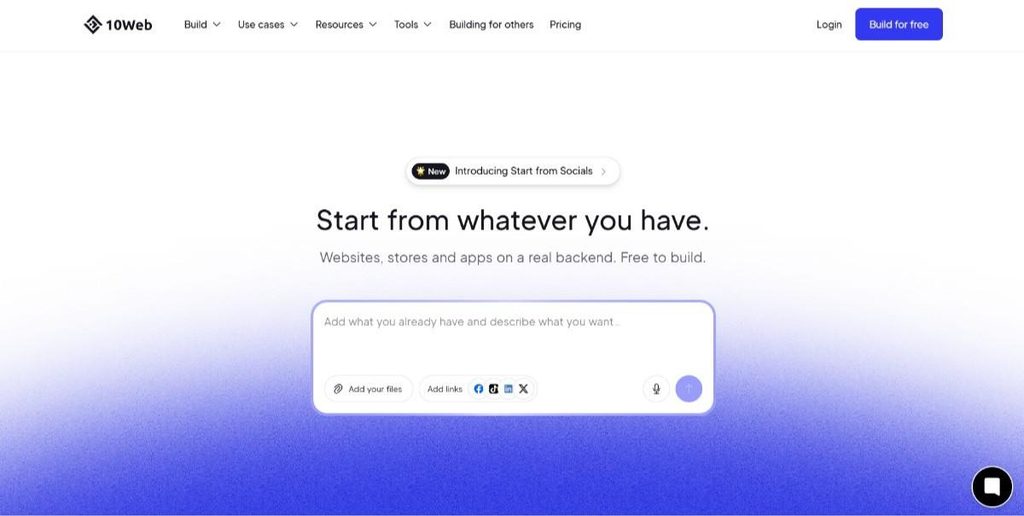
- Key Features: AI website generation, WordPress integration, automated hosting and website optimization.
- Ease of Use: Easy website creation with AI assistance and visual editing tools.
- Customization Options: Customize website pages, layouts, images and designs using WordPress-based tools.
- SEO and Marketing Tools: SEO plugins, website performance optimization and marketing integrations.
- Pricing: Offers paid subscription plans with different website and hosting limits.
- Customer Support: Provides a Help Center, tutorials and customer support options.
- Best For: Freelancers, agencies, startups and WordPress users.
- Pros and Cons: Pros: Faster website creation, AI features and WordPress flexibility. Cons: Subscription costs and dependence on its hosting ecosystem for some features.
7. WordPress – Best for Blogging and SEO
- Platform Overview: WordPress is a popular content management system (CMS) used to create blogs, business websites and online stores.
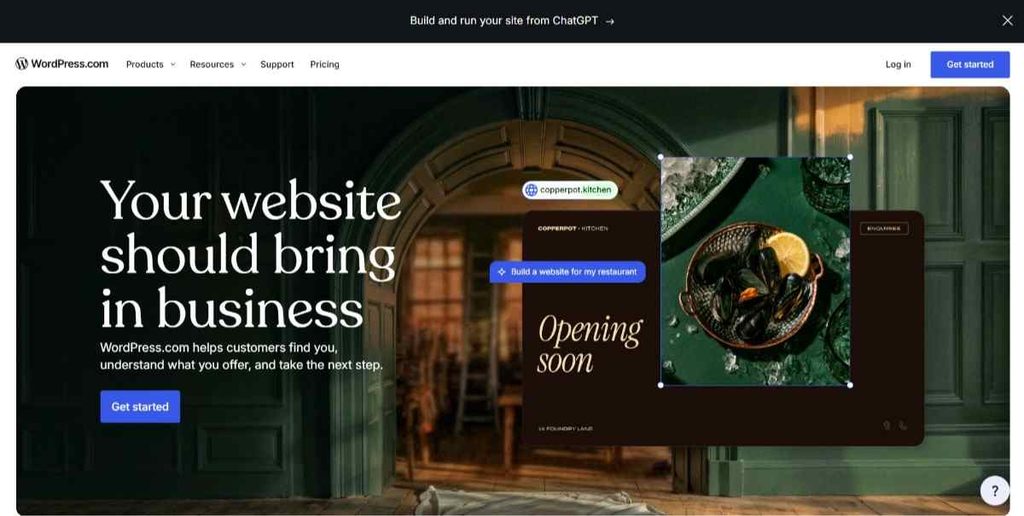
- Key Features: Themes, plugins, content editor, blogging tools and WooCommerce integration.
- Ease of Use: Beginners can use ready-made themes, but advanced customization requires some learning.
- Customization Options: Customize websites using themes, plugins, page builders and custom code.
- SEO and Marketing Tools: SEO plugins, blogging tools, analytics integrations, email marketing and social sharing.
- Pricing: WordPress.org software is free, but hosting, domain and premium plugins may cost extra.
- Customer Support: Provides community forums, documentation and tutorials. Hosting providers may offer additional support.
- Best For: Bloggers, content creators, SEO professionals and businesses.
- Pros and Cons: Pros: High flexibility, extensive plugins and strong content management. Cons: Requires regular maintenance, updates and security management.
8. Duda – Best Website Builder for Agencies
- Platform Overview: Duda is a professional website builder designed for agencies and freelancers who create websites for clients.
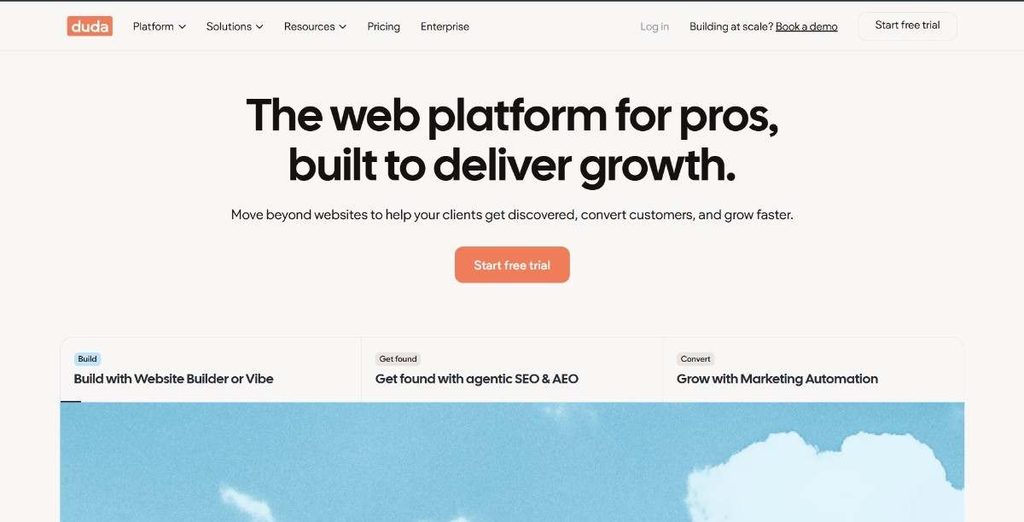
- Key Features: Drag-and-drop editor, templates, client management, team collaboration and white-label tools.
- Ease of Use: Offers an easy visual editor and a simple website management dashboard.
- Customization Options: Customize templates, page layouts, website sections and design elements.
- SEO and Marketing Tools: SEO settings, analytics integrations, marketing tools and client reporting features.
- Pricing: Offers paid subscription plans with different team and client management features.
- Customer Support: Provides a Help Center, tutorials and customer support resources.
- Best For: Digital agencies, web designers, freelancers and website development companies.
- Pros and Cons: Pros: Client management, collaboration tools and white-label options. Cons: Can be expensive for individuals and small projects.
9. Jimdo – Best Website Builder for Beginners
- Platform Overview: Jimdo is a beginner-friendly website builder that helps individuals and small businesses create websites without coding.
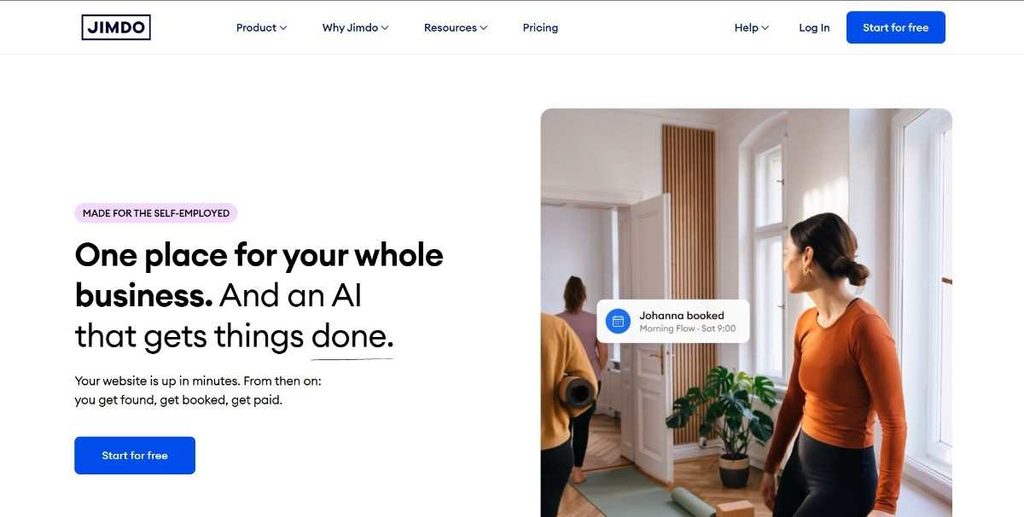
- Key Features: AI-assisted website creation, templates, mobile-friendly designs and online store tools.
- Ease of Use: Very easy to use with simple website creation steps.
- Customization Options: Customize website colors, images, text, layouts and available design elements.
- SEO and Marketing Tools: Basic SEO settings, page descriptions and website optimization tools.
- Pricing: Offers free and paid plans depending on features and requirements.
- Customer Support: Provides a Help Center, guides and support options depending on the plan.
- Best For: Beginners, personal websites, freelancers and small local businesses.
- Pros and Cons: Pros: Simple setup, beginner-friendly tools and quick website creation. Cons: Limited advanced customization and integrations.
10. Appy Pie – Best No-Code Website and App Builder
- Platform Overview: Appy Pie is a no-code platform that helps users create websites and mobile applications without programming knowledge.
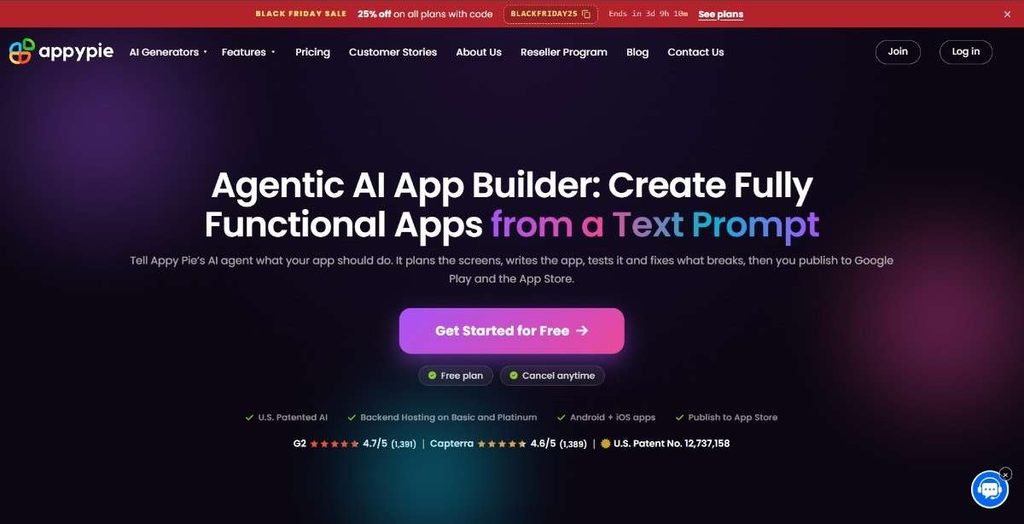
- Key Features: AI-assisted creation, website templates, app development tools and integrations.
- Ease of Use: Beginner-friendly tools with a simple visual website-building process.
- Customization Options: Customize website layouts, colors, images, pages and available design elements.
- SEO and Marketing Tools: Basic SEO settings, marketing integrations and website promotion tools.
- Pricing: Offers paid subscription plans with different features and usage limits.
- Customer Support: Provides a Help Center, tutorials and customer support options.
- Best For: Entrepreneurs, startups, small businesses and users who need website and app-building tools.
- Pros and Cons: Pros: No coding required, AI assistance and website and app development options. Cons: Some advanced features require paid plans and design flexibility may be limited.
Free Website Builders vs Paid Website Builders
Website builders offer free and paid plans based on different user needs. Compare their features to choose the right option for your website.
| Factors | Free Website Builders | Paid Website Builders |
| Cost | Free to use | Monthly or yearly payment |
| Features | Basic features | Advanced features |
| Domain | Platform-branded domain | Custom domain support |
| Templates | Limited templates | More template options |
| Customization | Basic customization | Advanced customization |
| Storage | Limited storage | More storage |
| Ads | May display platform branding or ads | Usually fewer branding restrictions |
| eCommerce | Limited selling features | Advanced online store tools |
| Support | Basic support | More support options |
| Best For | Beginners and personal websites | Businesses and professional websites |
Which One Should You Choose?
- Free Plan: Best for beginners, students and basic personal websites.
- Paid Plan: Best for businesses, freelancers, online stores and professional websites.
Tip: Start with a free plan to test the platform. Upgrade to a paid plan when you need a custom domain, advanced features or more website control.
Website Builder Pricing Comparison
Website builder pricing depends on the selected plan, billing period and available features. Some platforms offer free plans, while others provide free trials before requiring a paid subscription.
| Website Builder | Pricing Model | Additional Costs to Consider |
| Wix | Free and Paid Plans | Premium apps and domain renewal |
| Hostinger | Paid Subscription | Renewal and domain costs |
| Shopify | Paid Subscription | Apps, transaction and payment fees |
| Squarespace | Paid Subscription | Domain renewal and additional services |
| Webflow | Free and Paid Plans | Hosting and workspace requirements |
| 10Web | Paid Subscription | Higher-tier features and add-ons |
| WordPress | Free Software / Paid Hosting | Domain, hosting and premium plugins |
| Duda | Paid Subscription | Additional websites and team features |
| Jimdo | Free and Paid Plans | Premium features and domain |
| Appy Pie | Free Trial and Paid Plans | Advanced features and integrations |
Important Pricing Factors
Before choosing a website builder, consider these costs:
- Monthly Subscription: Check the monthly and annual subscription prices.
- Domain Registration: Check whether a custom domain is included.
- Hosting: Understand whether hosting is included or charged separately.
- Premium Templates: Some platforms charge for additional templates.
- Extra Features: Premium plugins, apps and integrations may increase costs.
- Renewal Charges: Promotional prices may increase after the initial subscription period.
How to Choose the Best Website Builder
Consider these factors before choosing a website builder:
- Ease of Use: Choose a beginner-friendly platform.
- Pricing: Compare plans and additional costs.
- Customization: Check templates and design options.
- SEO: Look for built-in SEO tools.
- eCommerce: Check online selling features.
- Mobile Support: Ensure mobile-friendly designs.
- Customer Support: Check available support options.
- Scalability: Choose a platform that can grow with your business.
Best Website Builder for Different Needs
The best website builder depends on your goals, budget and website requirements. The following table highlights the best options for different users.
| Website Builder | Best For | Key Features |
| Wix | Beginners | Drag-and-drop editor, templates |
| Hostinger | Small Businesses | Affordable plans, AI tools |
| Shopify | eCommerce | Product and inventory management |
| WordPress | Blogging and SEO | Themes, plugins, CMS |
| Squarespace | Freelancers | Professional templates, portfolio tools |
| Webflow | Web Designers | Advanced design, animations |
| 10Web | AI Website Building | AI website creation, WordPress |
| Duda | Agencies | Client management, white-label tools |
| Jimdo | Simple Websites | Easy editing, ready-made templates |
| Appy Pie | Websites and Apps | No-code website and app creation |
Final Thoughts
Choosing the best website builder depends on your budget, goals and required features. Wix and Jimdo are suitable for beginners, Shopify is ideal for online stores, while WordPress works well for blogging and SEO. Webflow offers advanced design options, and 10Web is useful for AI-powered website creation. Compare their features, pricing and plans before making your final decision. Choose a platform that meets your current needs and supports your future growth.
Frequently Asked Questions (FAQs)
1. What is the best website builder in 2026?
Wix is a popular all-in-one website builder for beginners and businesses. However, the best choice depends on your website requirements and budget.
2. Which website builder is best for beginners?
Wix and Jimdo are beginner-friendly options because they offer simple editing tools, ready-made templates and easy website creation.
3. Can I build a website without coding?
Yes, platforms like Wix, Hostinger, Shopify and Squarespace allow users to create websites using visual editors and ready-made templates without coding.
4. Which website builder is best for eCommerce?
Shopify is a popular choice for eCommerce because it offers product management, inventory tracking, payment processing and order management tools.
5. Are free website builders worth using?
Yes, free website builders are useful for beginners, personal projects and testing. However, they may have limited storage, features and customization options.
6. Which website builder is best for SEO?
WordPress is a popular choice for SEO because it supports SEO plugins, customizable settings and flexible content management tools.
7. What is the cheapest website builder?
Hostinger is known for budget-friendly website building plans. However, compare promotional prices, renewal costs and included features before choosing.
8. What is the difference between Wix and WordPress?
Wix is an all-in-one website builder with easy editing tools, while WordPress offers more flexibility through themes, plugins and customization options.
9. Which website builder is best for small businesses?
Wix and Hostinger are useful options for small businesses because they offer website creation tools, templates and business features.
10. Can I change my website builder later?
Yes, you can move to another website builder, but the process may require transferring content, images, domain settings and other website data. Some manual work may be needed.