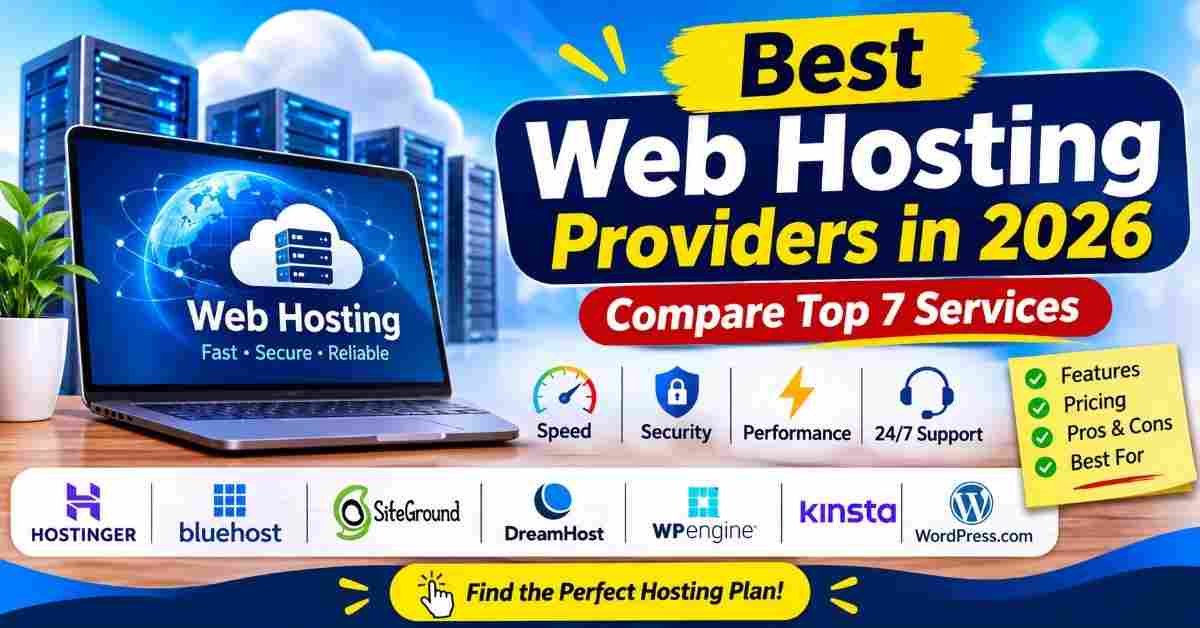
Choosing the right Best WordPress Hosting is important for your website’s speed, security, and performance. In this guide, we compare 7 popular providers: Hostinger, Bluehost, SiteGround, DreamHost, WP Engine, Kinsta, and WordPress.com, covering their features, pricing, pros, and cons.
You will also learn about hosting types, free vs paid hosting, essential features, and common hosting problems. This guide will help you choose the best web hosting based on your website’s needs and budget.
What Is Web Hosting?
Best WordPress Hosting is a service that stores your website’s files, images, databases, and other content on a server and makes them available on the internet. When someone visits your website, the hosting server delivers the content to their browser.
A good web hosting service helps your website load faster, stay secure, and remain accessible to visitors. Popular providers like Hostinger, Bluehost, SiteGround, DreamHost, WP Engine, Kinsta, and WordPress.com offer different hosting solutions for personal websites, blogs, and businesses.
Types of Best WordPress Hosting
Different hosting types offer different levels of performance, resources, and pricing. Choose one based on your website’s needs and budget.
- Shared Hosting: Affordable hosting where multiple websites share one server. Best for beginners, blogs, and small websites.
- VPS Hosting: Provides dedicated virtual resources on a shared physical server. Suitable for growing websites and businesses.
- Dedicated Hosting: Offers an entire server for one website or business. Best for high-traffic websites requiring more control.
- Cloud Hosting: Uses multiple connected servers to provide flexibility and scalability. Suitable for growing businesses and websites with changing traffic.
- Managed WordPress Hosting: Hosting optimized for WordPress, with features like automatic updates, backups, and security management.
- Reseller Hosting: Allows users to purchase hosting resources and sell hosting services to their own customers.
Best Web Hosting Providers Comparison Table
Choosing between different hosting providers can be difficult. This table highlights their main strengths to help you compare them.
| Hosting Provider | Best For | Hosting Type | Main Advantage |
| Hostinger | Beginners and small businesses | Shared, Cloud, VPS | Affordable hosting |
| Bluehost | WordPress beginners | Shared, VPS, Dedicated | Easy WordPress setup |
| SiteGround | Growing websites | Web, Cloud | Performance and support |
| DreamHost | Bloggers and personal websites | Shared, VPS, Managed WP | Flexible hosting |
| WP Engine | Professional WordPress websites | Managed WP | Advanced WordPress tools |
| Kinsta | High-traffic websites | Managed WP | Premium infrastructure |
| WordPress.com | Beginners and creators | Managed platform | All-in-one website management |
Note: Features, hosting options, and prices vary by provider and subscription plan.
1. Hostinger
Brand Overview: Affordable hosting provider for beginners and small businesses.
Hosting Plans & Pricing: Shared, WordPress, Cloud, and VPS Hosting.
Key Features: Free SSL, free migration, LiteSpeed, and website builder.
Performance & Uptime: Fast loading with LiteSpeed technology and 99.9% uptime guarantee.
Security Features: SSL, malware protection, DDoS protection, and backups.
Ease of Use: Simple hPanel dashboard.
WordPress Compatibility: Easy WordPress installation and management.
Customer Support: 24/7 live chat support.
Pros: Affordable plans, easy setup, free SSL.
Cons: Higher renewal prices, limited entry-plan features.
Best For: Beginners, bloggers, and small businesses.
2. Bluehost
Brand Overview: Popular hosting provider known for beginner-friendly WordPress hosting.
Hosting Plans & Pricing: Shared, WordPress, VPS, and Dedicated Hosting.
Key Features: Free domain, SSL, website builder, and migration.
Performance & Uptime: SSD/NVMe storage and caching technology.
Security Features: SSL, malware scanning, and backups.
Ease of Use: Simple dashboard and one-click WordPress installation.
WordPress Compatibility: WordPress hosting and staging tools.
Customer Support: 24/7 chat and phone support.
Pros: Easy setup, free domain, WordPress support.
Cons: Higher renewal costs, some paid add-ons.
Best For: Beginners, bloggers, and WordPress users.
3. SiteGround
Brand Overview: Hosting provider focused on performance, security, and customer support.
Hosting Plans & Pricing: StartUp, GrowBig, GoGeek, and Cloud Hosting.
Key Features: Free SSL, CDN, daily backups, and advanced caching.
Performance & Uptime: Google Cloud infrastructure and 99.9% uptime guarantee.
Security Features: Firewall, malware protection, and daily backups.
Ease of Use: Easy-to-use Site Tools dashboard.
WordPress Compatibility: Managed updates, staging, and migration tools.
Customer Support: 24/7 chat and phone support.
Pros: Strong security, speed, and support.
Cons: Higher renewal prices, limited entry-plan storage.
Best For: Growing businesses and WordPress websites.
4. DreamHost
Brand Overview: Established hosting provider offering affordable website and WordPress hosting.
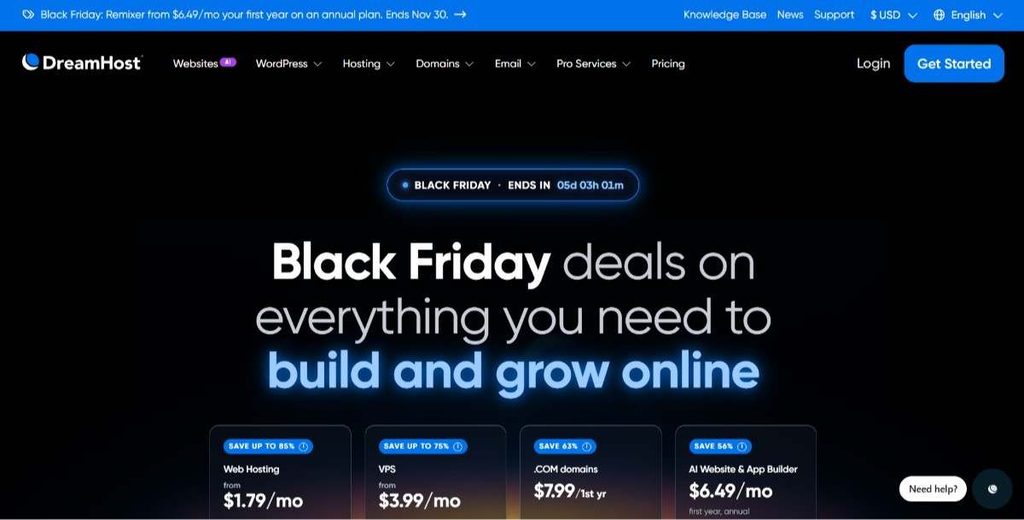
Hosting Plans & Pricing: Shared, WordPress, VPS, and Dedicated Hosting.
Key Features: Free SSL, domain, backups, and website builder.
Performance & Uptime: SSD storage and 100% uptime guarantee for eligible services.
Security Features: SSL, backups, and malware protection options.
Ease of Use: Simple custom control panel.
WordPress Compatibility: WordPress installation and managed hosting.
Customer Support: Live chat and ticket support.
Pros: Affordable plans, free domain, automatic backups.
Cons: Limited phone support, higher renewal prices.
Best For: Bloggers, personal websites, and budget users.
5. WP Engine
Brand Overview: Premium managed WordPress hosting provider for businesses and developers.
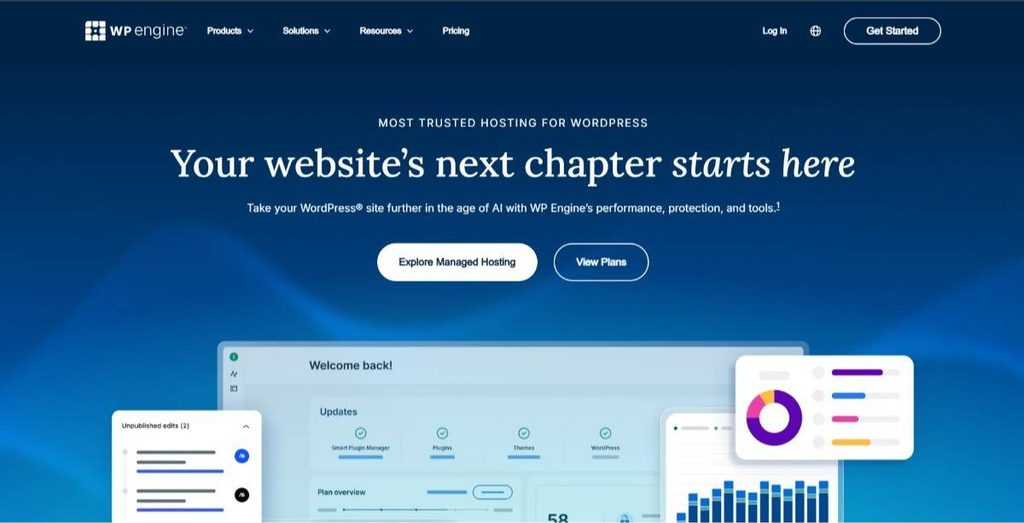
Hosting Plans & Pricing: Startup, Professional, Growth, and Scale.
Key Features: Automatic updates, staging, daily backups, and caching.
Performance & Uptime: Optimized infrastructure for WordPress performance.
Security Features: SSL, DDoS protection, and security monitoring.
Ease of Use: Easy website management with advanced tools.
WordPress Compatibility: Fully focused on managed WordPress hosting.
Customer Support: Expert WordPress support.
Pros: Excellent WordPress tools, advanced security, staging.
Cons: Expensive plans, limited non-WordPress hosting.
Best For: Businesses, agencies, and high-traffic websites.
6. Kinsta
Brand Overview: Premium managed WordPress hosting powered by Google Cloud.
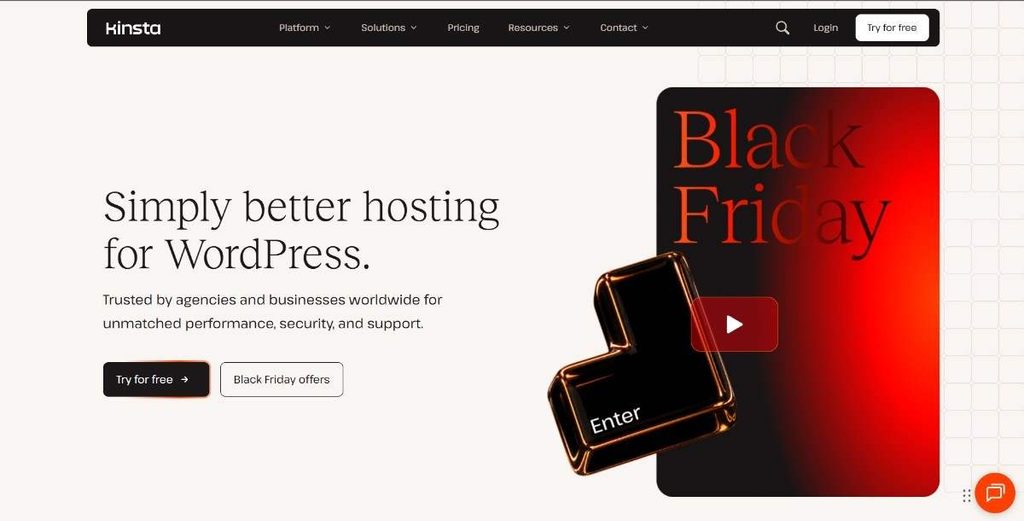
Hosting Plans & Pricing: Single-site, Business, Agency, and Enterprise plans.
Key Features: Free migration, CDN, backups, and staging.
Performance & Uptime: Google Cloud infrastructure and edge caching.
Security Features: SSL, firewall, DDoS protection, and malware removal.
Ease of Use: Simple MyKinsta dashboard.
WordPress Compatibility: Advanced managed WordPress hosting.
Customer Support: 24/7 expert live chat.
Pros: Fast performance, strong security, easy management.
Cons: Expensive pricing, no traditional shared hosting.
Best For: Agencies, professional bloggers, and high-traffic websites.
7. WordPress.com
Brand Overview: All-in-one website platform with built-in WordPress hosting.

Hosting Plans & Pricing: Free, Personal, Premium, Business, and Commerce.
Key Features: Website builder, themes, CDN, and automatic updates.
Performance & Uptime: Managed hosting with optimized infrastructure.
Security Features: Free SSL, DDoS protection, and automatic updates.
Ease of Use: Beginner-friendly visual editor.
WordPress Compatibility: Built specifically for WordPress websites.
Customer Support: Community and expert support, depending on the plan.
Pros: Easy setup, free plan, managed hosting.
Cons: Limited free features, advanced tools require paid plans.
Best For: Bloggers, creators, and beginners.
How to Choose the Best Web Hosting Provider?
Choosing the Best WordPress Hosting provider depends on your website type, budget, traffic, and requirements. Consider these important factors before selecting a hosting plan:
1. Website Needs: Choose hosting based on your website type, such as a blog, business website, or online store.
2. Pricing & Plans: Compare starting prices, renewal costs, storage, bandwidth, and included features.
3. Performance & Speed: Look for SSD/NVMe storage, caching, CDN support, and fast servers.
4. Uptime & Reliability: Choose a provider with a strong uptime commitment and reliable server performance.
5. Security: Check for free SSL, automatic backups, malware protection, and firewalls.
6. Customer Support: Look for reliable support through live chat, phone, or email.
7. Scalability: Select a hosting provider that lets you upgrade resources as your website grows.
Free Web Hosting vs Paid Web Hosting
| Features | Free Web Hosting | Paid Web Hosting |
| Pricing | Free | Monthly or yearly fees |
| Storage | Limited | More storage |
| Bandwidth | Limited | Higher bandwidth |
| Performance | Basic | Better performance |
| Website Speed | May be slower | Generally faster |
| Uptime | Limited reliability | Better uptime commitments |
| Security | Basic security | Advanced security options |
| Free SSL | Not always included | Usually included |
| Custom Domain | Often limited | Custom domain support |
| Advertisements | May display ads | Usually ad-free |
| Customer Support | Limited support | Dedicated support options |
| Backups | Limited or unavailable | Often automatic backups |
| Scalability | Limited | Flexible upgrade options |
| Best For | Beginners and testing projects | Businesses, blogs, and professional websites |
Which One Should You Choose?
Free hosting is suitable for learning, testing, and small personal projects. Paid hosting is a better choice for business websites, blogs, and professional projects that need better performance, security, and reliability.
Why Choosing the Right Web Hosting Matters
Choosing the right Best WordPress Hosting provider is important for your website’s speed, security, performance, and overall user experience. A reliable hosting service helps your website run smoothly and provides a better experience for visitors.
Here are some key reasons why web hosting matters:
- Website Speed: Fast hosting helps pages load quickly and improves user experience.
- Uptime & Reliability: Reliable hosting keeps your website accessible to visitors.
- Security: Features like SSL certificates, backups, and malware protection help protect your website.
- SEO Performance: Website speed, availability, and security can contribute to a better search experience.
- Scalability: Good hosting allows you to upgrade resources as your website grows.
- Customer Support: Helpful support makes it easier to solve technical problems.
Shared Hosting vs Managed WordPress Hosting
Shared Hosting and Managed WordPress Hosting are two popular options for website owners. However, they differ in performance, management, resources, and pricing.
Shared Hosting
Shared hosting allows multiple websites to use the resources of the same physical server. It is generally affordable and suitable for beginners, personal blogs, and small websites.
Main Features:
- Affordable starting prices
- Beginner-friendly setup
- Shared server resources
- Basic website management tools
- Suitable for low to moderate traffic
Managed WordPress Hosting
Managed WordPress hosting is designed specifically for WordPress websites. The hosting provider handles many technical tasks, including updates, backups, security, and performance optimization.
Main Features:
- WordPress-optimized infrastructure
- Automatic updates and backups
- Advanced caching and performance tools
- Enhanced security features
- Expert WordPress support
Shared Hosting vs Managed WordPress Hosting: Comparison
| Features | Shared Hosting | Managed WordPress Hosting |
| Pricing | Usually affordable | Usually more expensive |
| Server Resources | Shared | Plan-dependent, often more optimized |
| Performance | Basic to moderate | WordPress-optimized |
| Security | Basic to advanced, plan-dependent | Managed security tools |
| Backups | Plan-dependent | Often automatic |
| Maintenance | More user-managed | More provider-managed |
| Best For | Beginners and small websites | Professional WordPress websites |
Which One Should You Choose?
Choose shared hosting if you are starting a blog, personal website, or small business website with a limited budget. Managed WordPress hosting is a better option if you run a professional WordPress website and want advanced performance, security, and less technical maintenance.
Essential Web Hosting Features to Look For
Before choosing a hosting provider, check these essential features to ensure better website performance, security, and reliability.
- Free SSL Certificate: Protects data exchanged between your website and visitors.
- SSD or NVMe Storage: Helps improve website loading and data access speeds.
- Automatic Backups: Keeps copies of website data for recovery.
- Free CDN: Helps deliver website content faster to visitors in different locations.
- Security Protection: Includes malware scanning, firewalls, and security monitoring.
- High Uptime: Helps keep your website accessible to visitors.
- Scalability: Allows you to upgrade resources as your website grows.
- Customer Support: Provides assistance when technical issues occur.
- Email Hosting: Allows you to create professional email addresses using your domain.
Common Web Hosting Problems and Solutions
Web hosting problems can affect website speed, security, and availability. Here are some common issues and their simple solutions.
| Common Problem | Solution |
| Slow Website Loading | Optimize images, enable caching, and use a CDN. |
| Frequent Downtime | Choose reliable hosting and monitor server uptime. |
| SSL Certificate Errors | Install or renew your SSL certificate. |
| Website Security Issues | Use strong passwords, update software, and enable security protection. |
| Storage Limit Reached | Remove unnecessary files or upgrade your hosting plan. |
| Email Delivery Problems | Check email settings, DNS records, and spam configuration. |
| WordPress Errors | Update plugins, themes, and WordPress or restore a backup. |
| Traffic Spikes | Upgrade hosting resources or use scalable cloud hosting. |
Tip: Regular backups, software updates, security checks, and performance monitoring can help prevent many common web hosting problems.
Final Thoughts
Choosing the Best WordPress Hosting provider depends on your website’s needs, budget, traffic, and technical requirements. Hostinger and Bluehost are good options for beginners, while SiteGround and DreamHost offer useful solutions for growing websites. WP Engine and Kinsta are suitable for professional WordPress websites, and WordPress.com is a convenient choice for bloggers and creators.
Before selecting a hosting plan, compare pricing, renewal costs, performance, security, uptime, and customer support. Also, consider whether shared, VPS, cloud, dedicated, or managed WordPress hosting is right for your project.
Remember, the best web hosting is not always the cheapest option. Choose a reliable hosting provider that supports your website today and allows it to grow in the future.
Frequently Asked Questions (FAQs)
1. What is web hosting?
Web hosting is a service that stores your website’s files and data on a server and makes your website accessible on the internet.
2. Which is the best web hosting provider in 2026?
Popular web hosting providers include Hostinger, Bluehost, SiteGround, DreamHost, WP Engine, Kinsta, and WordPress.com. The best choice depends on your budget and website requirements.
3. Which web hosting is best for beginners?
Hostinger and Bluehost are beginner-friendly options because they offer easy setup, simple dashboards, and WordPress installation tools.
4. What are the different types of web hosting?
The main types include shared hosting, VPS hosting, dedicated hosting, cloud hosting, managed WordPress hosting, and reseller hosting.
5. Is free web hosting good for beginners?
Yes, free web hosting can be useful for learning, testing, and small personal projects. However, it usually comes with limited storage, bandwidth, performance, and support.
6. What is the difference between shared hosting and managed WordPress hosting?
Shared hosting allows multiple websites to share server resources, while managed WordPress hosting is optimized for WordPress and includes services like automatic updates, backups, and security management.
7. How much does web hosting cost?
Web hosting costs vary depending on the provider, hosting type, and subscription plan. Shared hosting is generally more affordable, while VPS, cloud, dedicated, and managed WordPress hosting can cost more.
8. What features should I look for in a web hosting provider?
Look for free SSL, SSD or NVMe storage, automatic backups, security protection, good uptime, CDN support, scalability, and reliable customer support.
9. Does web hosting affect SEO?
Yes. Web hosting can indirectly affect SEO through website speed, uptime, security, and overall user experience. Reliable hosting helps keep your website accessible and performing well.
10. Can I change my web hosting provider later?
Yes, you can migrate your website to another hosting provider. Many providers offer free migration tools or services to help transfer website files and databases.