
Cloudflare is a popular platform for website speed, security, and content delivery. However, it may not be the right choice for every website or business. Some users look for alternatives with better pricing, advanced security, flexible features, or improved performance.
In this guide, we explore 10 Cloudflare alternatives, including Amazon CloudFront, Akamai, Google Cloud CDN, Bunny.net, Imperva, and Sucuri. You will learn about their features, pricing, performance, security, pros and cons, and best use cases. We also compare free and paid options, explain how to choose the right CDN, and share tips for switching from Cloudflare.
Whether you run a blog, business website, or large online platform, this guide will help you find a suitable Cloudflare alternative.
What Is Cloudflare?
Cloudflare is a web performance and security platform that helps websites load faster and stay protected. It provides CDN services, DDoS protection, DNS management, SSL certificates, and website security. It delivers website content through its global network to improve speed and protect websites from online threats.
Why Look for Cloudflare Alternatives?
Some website owners look for Cloudflare alternatives because they need different features, pricing options, or performance solutions.
- Pricing: Some businesses need more affordable plans.
- Performance: Different CDN providers may offer better performance in specific regions.
- Security: Some providers offer advanced security features.
- Customization: Businesses may need more control over CDN settings.
- Integration: Some websites work better with AWS, Google Cloud, or Microsoft Azure services.
Best Cloudflare Alternatives Comparison Table
| CDN Provider | Best For | Pricing Model | Main Advantage |
| Amazon CloudFront | AWS users | Pay-as-you-go | AWS integration and global delivery |
| Akamai | Large businesses | Custom pricing | Advanced security and performance |
| Google Cloud CDN | Google Cloud users | Pay-as-you-go | Google’s global network |
| StackPath | Historical reference | Discontinued | Former edge computing capabilities |
| Imperva | Enterprise security | Custom pricing | Advanced website protection |
| Bunny.net | Small businesses | Pay-as-you-go | Affordable CDN services |
| Sucuri | WordPress websites | Annual plans | Website security and malware protection |
| Azure CDN | Azure users | Legacy service | Microsoft cloud integration |
| KeyCDN | Developers and blogs | Pay-as-you-go | Simple and affordable CDN |
| AWS WAF | AWS website security | Usage-based | Web application firewall protection |
10 Best Cloudflare Alternatives in 2026 (In-Depth Reviews)
1. Amazon CloudFront
- Overview: Amazon CloudFront is a CDN service by AWS that delivers website content quickly through its global network.
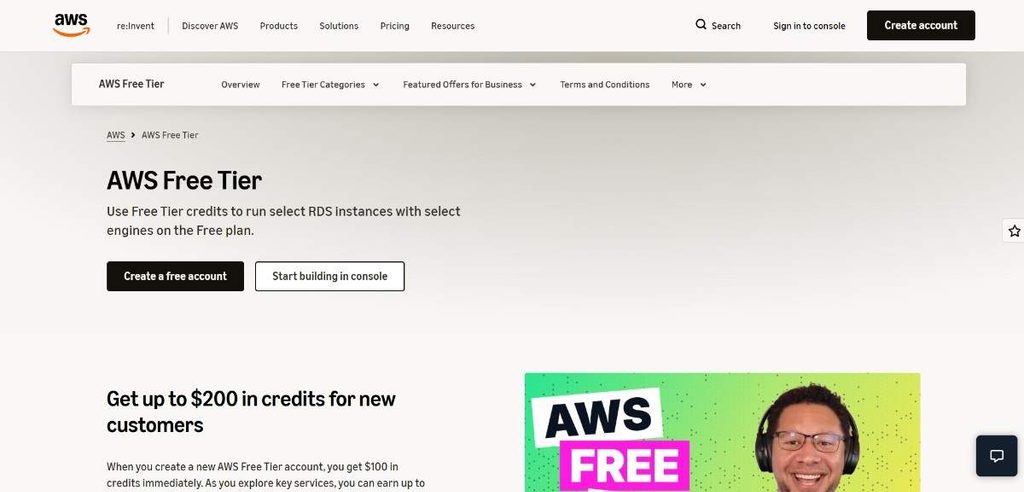
- Key Features: Global caching, content delivery and AWS integration.
- Performance & Speed: Improves website loading speed and reduces latency.
- Security: Offers DDoS protection, SSL/TLS and AWS WAF integration.
- Pricing: Pay-as-you-go and flat-rate plans.
- Best For: E-commerce, video streaming and business websites.
- Pros: Reliable, scalable and flexible.
- Cons: Setup can be difficult for beginners.
2. Akamai
- Overview: Akamai is a global CDN and cybersecurity provider that helps businesses deliver websites, videos and applications securely.

- Key Features: Intelligent caching, video delivery and API acceleration.
- Performance & Speed: Uses global edge servers for faster content delivery.
- Security: Provides DDoS protection, WAF and bot protection.
- Pricing: Custom pricing based on business requirements.
- Best For: Enterprise websites and large businesses.
- Pros: Strong security and global network.
- Cons: Can be expensive for small businesses.
3. Google Cloud CDN
- Overview: Google Cloud CDN is a content delivery service that uses Google’s global network to deliver website content faster.
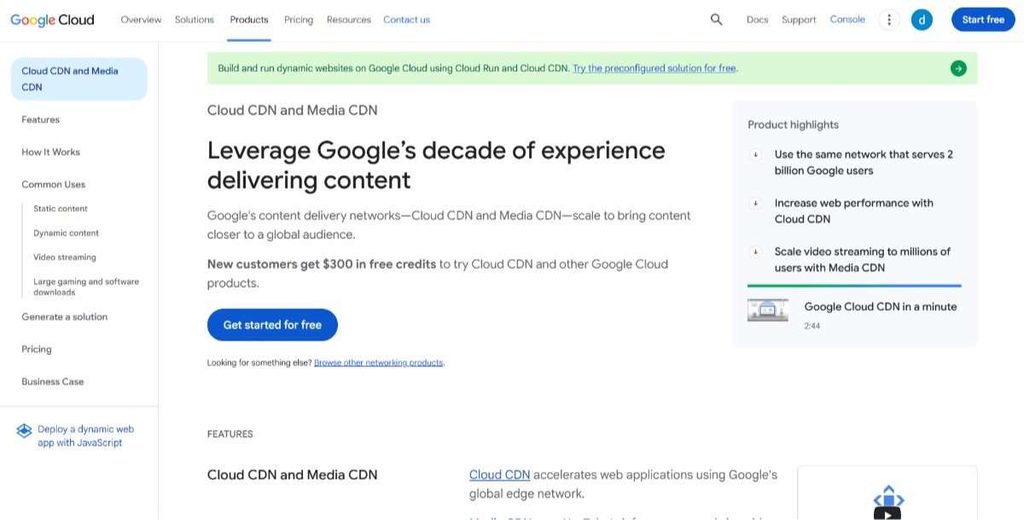
- Key Features: Global caching, HTTP/HTTPS support and Google Cloud integration.
- Performance & Speed: Reduces loading time by delivering cached content closer to visitors.
- Security: Supports SSL/TLS and Google Cloud Armor integration.
- Pricing: Pay-as-you-go based on usage.
- Best For: Websites and applications using Google Cloud.
- Pros: Reliable network and flexible pricing.
- Cons: Requires technical knowledge to configure.
4. StackPath
- Overview: StackPath was a CDN and edge computing provider that helped websites deliver content faster.
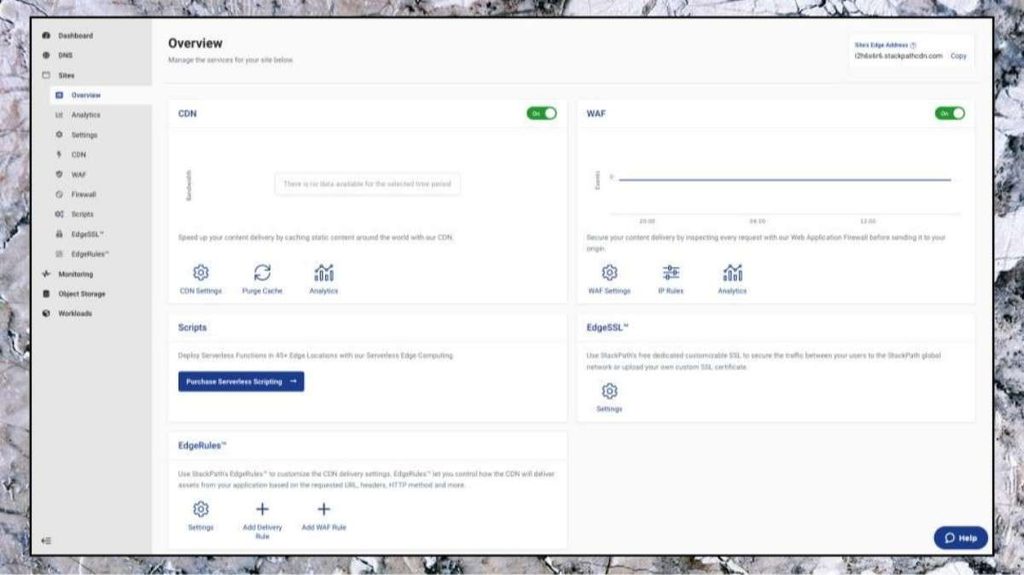
- Key Features: Content caching, image optimization and edge computing.
- Performance & Speed: Previously improved loading speed through edge servers.
- Security: Offered DDoS protection and Web Application Firewall.
- Pricing: No current CDN pricing because the service has been discontinued.
- Best For: Historical reference only.
- Pros: Offered useful caching and edge computing features.
- Cons: Its CDN service was discontinued in 2024.
5. Imperva
- Overview: Imperva provides CDN and website security solutions to improve website performance and protect online applications.
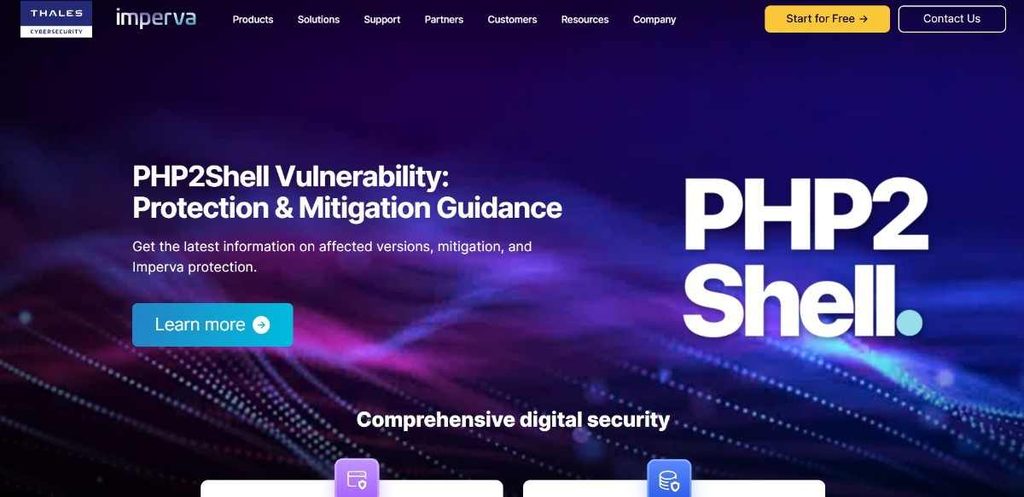
- Key Features: Content caching, load balancing and API protection.
- Performance & Speed: Improves website speed through caching and traffic optimization.
- Security: Offers DDoS protection, WAF and bot protection.
- Pricing: Custom pricing based on website traffic and security needs.
- Best For: Enterprise and e-commerce websites.
- Pros: Strong security and advanced traffic management.
- Cons: Can be expensive for small businesses.
6. Bunny.net
- Overview: Bunny.net is an affordable CDN platform that delivers images, videos and website content through its global network.

- Key Features: Global CDN, image optimization and video delivery.
- Performance & Speed: Improves loading speed through global caching.
- Security: Offers SSL certificates, DDoS protection and token authentication.
- Pricing: Starts at $0.01/GB in Europe and North America.
- Best For: Small businesses, blogs and WordPress websites.
- Pros: Affordable pricing and easy setup.
- Cons: Fewer advanced enterprise features than some larger providers.
7. Sucuri
- Overview: Sucuri is a website security platform that also provides CDN-based content delivery and website acceleration.

- Key Features: Website firewall, caching and malware scanning.
- Performance & Speed: Improves website loading speed through caching.
- Security: Provides DDoS protection, malware scanning and brute-force protection.
- Pricing: Annual security plans start at approximately $229.
- Best For: WordPress, blogs and business websites.
- Pros: Strong website security and malware protection.
- Cons: More focused on website security than CDN performance.
8. Microsoft Azure CDN
- Overview: Microsoft Azure CDN was a content delivery service that helped businesses deliver website content through distributed edge servers.
- Key Features: Content caching, custom domains and HTTPS support.
- Performance & Speed: Helped reduce loading times by delivering content closer to visitors.
- Security: Supported HTTPS and integration with Azure security services.
- Pricing: Pricing depended on data transfer, region and usage.
- Best For: Historically suited to enterprise websites and Azure-based applications.
- Pros: Microsoft integration and scalable infrastructure.
- Cons: Legacy service; Microsoft recommends Azure Front Door for many migration scenarios.
9. KeyCDN
- Overview: KeyCDN is a content delivery network that helps websites deliver images, videos and files faster.
- Key Features: Global CDN, real-time analytics, image processing and HTTP/2 support.
- Performance & Speed: Uses global edge servers and caching to reduce latency.
- Security: Provides free SSL, DDoS protection and secure token authentication.
- Pricing: Pay-as-you-go pricing based on traffic.
- Best For: Blogs, small businesses and developers.
- Pros: Affordable, easy to use and simple to manage.
- Cons: Offers fewer advanced enterprise features than larger CDN providers.
10. AWS WAF
- Overview: AWS WAF is a web application firewall by Amazon that protects websites and applications from malicious traffic.

- Key Features: Custom security rules, bot control, IP filtering and traffic monitoring.
- Performance & Speed: Filters unwanted requests to help protect website and application performance.
- Security: Protects against SQL injection, cross-site scripting (XSS) and common web attacks.
- Pricing: Pay-as-you-go based on web ACLs, rules and requests.
- Best For: AWS-hosted websites, APIs and business applications.
- Pros: Flexible security rules and strong AWS integration.
- Cons: Requires technical configuration and is not a standalone CDN.
Best Cloudflare Alternatives for Different Needs
- Best for Small Businesses: Bunny.net offers affordable CDN services and simple setup.
- Best for Enterprise Websites: Akamai provides advanced content delivery and security solutions.
- Best for AWS Users: Amazon CloudFront works well with AWS infrastructure.
- Best for Google Cloud Users: Google Cloud CDN integrates with Google Cloud services.
- Best for WordPress Websites: Sucuri offers website security, malware scanning, and CDN features.
- Best for Developers: Fastly provides flexible caching and real-time content management.
- Best for Website Security: Imperva offers WAF, DDoS protection, and bot management.
How to Choose the Best Cloudflare Alternative?
Before selecting a Cloudflare alternative, consider these important factors:
- Performance: Choose a CDN that offers fast content delivery for your target audience.
- Security: Look for DDoS protection, SSL certificates, and WAF features.
- Pricing: Compare monthly costs, bandwidth charges, and additional fees.
- Global Network: Check whether the provider has servers near your website visitors.
- Ease of Use: Select a platform with simple setup and easy management.
- Customer Support: Choose a provider with reliable technical support.
How to Switch from Cloudflare to Another CDN?
Switching from Cloudflare to another CDN requires a few basic steps:
- Choose a CDN Provider: Select a suitable alternative based on your website requirements.
- Create an Account: Sign up with your selected CDN provider.
- Configure Your Website: Add your website and configure the origin server, caching, and delivery settings.
- Set Up SSL: Enable SSL certificates to secure website connections.
- Update DNS Settings: Change DNS records as required by the new provider.
- Test Your Website: Check website speed, security, images, and other pages.
- Complete Migration: Once everything works correctly, remove the old Cloudflare configuration if it is no longer needed.
Important: Keep your existing Cloudflare setup active until the new CDN is tested and working correctly. Also, DNS changes may take time to propagate.
Cloudflare Alternatives: Free vs Paid Options
| CDN Provider / Plan | Free or Paid | Main Features | Best For |
| Cloudflare Free | Free | CDN, SSL, DNS, basic security | Beginners and small websites |
| Cloudflare Pro | Paid | Advanced security, image optimization, WAF features | Growing websites |
| Amazon CloudFront | Free allowance and Paid | Global content delivery, AWS integration, caching | Developers and large websites |
| Bunny.net | Paid (Pay-as-you-go) | Fast CDN, affordable bandwidth, caching | Startups and small businesses |
| Fastly | Paid | Real-time caching, advanced CDN controls | Developers and high-traffic websites |
| Akamai | Paid | Global CDN, advanced security, DDoS protection | Large businesses and enterprises |
Which Should You Choose?
- Free: Choose Cloudflare Free if you need basic CDN and security features.
- Affordable: Choose Bunny.net for budget-friendly content delivery.
- Advanced: Choose Fastly or Amazon CloudFront for flexible CDN features.
- Enterprise: Choose Akamai for large-scale website performance and security.
Common Problems When Switching from Cloudflare
Switching from Cloudflare to another CDN provider can cause a few technical issues. Here are some common problems:
- DNS Issues: Incorrect DNS settings can make your website unavailable.
- SSL Errors: Improper SSL configuration can cause HTTPS security warnings.
- Website Downtime: Migration mistakes may temporarily affect website availability.
- Caching Problems: Old cached content may appear or updates may not load properly.
- Security Issues: Firewall and security rules may need to be configured again.
- Pricing Changes: Another CDN provider may have different pricing and bandwidth costs.
Tip: Back up your DNS settings, check SSL certificates, and test your website before completely switching providers.
Final Thoughts
Choosing the right Cloudflare alternative depends on your website’s needs, budget, and security requirements. Amazon CloudFront is a good choice for AWS users, Bunny.net offers affordable CDN services, Akamai is suitable for large businesses, and Sucuri focuses on website security.
Before choosing a provider, compare its pricing, performance, security features, global network, and ease of use. Also, check whether the service is currently available and suitable for your requirements.
There is no single best CDN for every website. Choose the one that helps your website load faster, stay secure, and grow smoothly.
Frequently Asked Questions (FAQs)
1. What is the best Cloudflare alternative in 2026?
Amazon CloudFront, Bunny.net, Akamai, and Google Cloud CDN are popular alternatives. The best option depends on your website size, budget, and requirements.
2. Is there a free alternative to Cloudflare?
Yes. Amazon CloudFront offers a free usage allowance for eligible customers. However, free usage limits and conditions apply.
3. Which Cloudflare alternative is best for small businesses?
Bunny.net is a good option for small businesses because it offers affordable pay-as-you-go CDN pricing and simple setup.
4. Is Amazon CloudFront better than Cloudflare?
Both offer CDN and security features. Amazon CloudFront is suitable for AWS users, while Cloudflare provides an easy-to-use combination of CDN, DNS, and security services.
5. Which Cloudflare alternative is best for WordPress websites?
Sucuri is a good option for WordPress websites because it offers malware scanning, website protection, and CDN features.
6. Can I use a CDN without Cloudflare?
Yes. You can use other CDN providers, such as Bunny.net, Amazon CloudFront, Akamai, or KeyCDN, without using Cloudflare.
7. What is the difference between CDN and WAF?
A CDN improves website speed by delivering content through distributed servers. A WAF protects websites by filtering malicious web traffic.
8. Is Bunny.net cheaper than Cloudflare?
Bunny.net offers affordable pay-as-you-go pricing, while Cloudflare has a free plan and different paid plans. The cheaper option depends on your website traffic and feature requirements.
9. Will switching from Cloudflare affect my website?
Switching may cause DNS issues, SSL errors, caching problems, or temporary downtime if the migration is not configured correctly.
10. How do I choose the right Cloudflare alternative?
Compare pricing, speed, security, global server locations, features, and customer support. Choose a provider that matches your website’s needs and budget.